The worldMode setting chooses the mode used when a world is created.
| Value | Mode |
|---|---|
0 | Normal |
1 | Hard |
2 | Creative |
4 | Casual |
- Back up the server and stop it.
- Open
ServerConfig.jsonand setworldModeto the required number.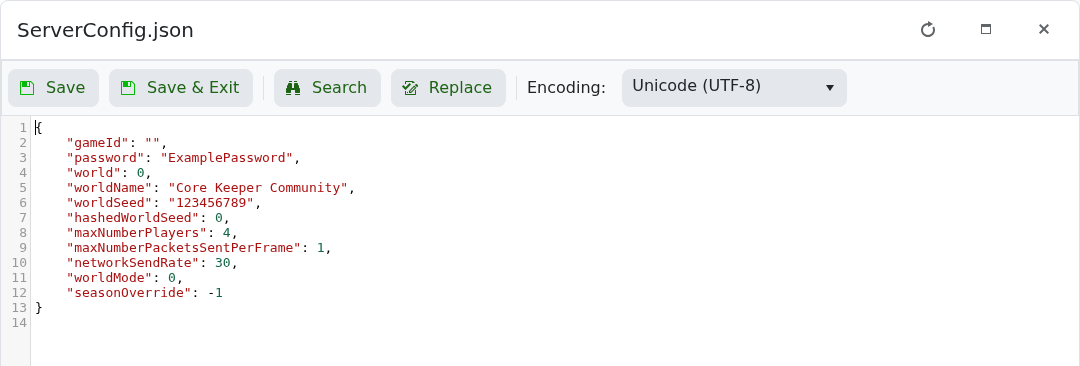
- Choose an unused
worldslot if you are creating a world in the new mode. - Save the file and start the server.
Changing between Creative and non-Creative modes after world creation is not supported. Create a new slot when making that change.
