Stormforge writes dated log files that you can open through TCAdmin. Check the latest file when the server stops unexpectedly or fails to start after a configuration change.
- Open your Stormforge service in TCAdmin and click Log Viewer.
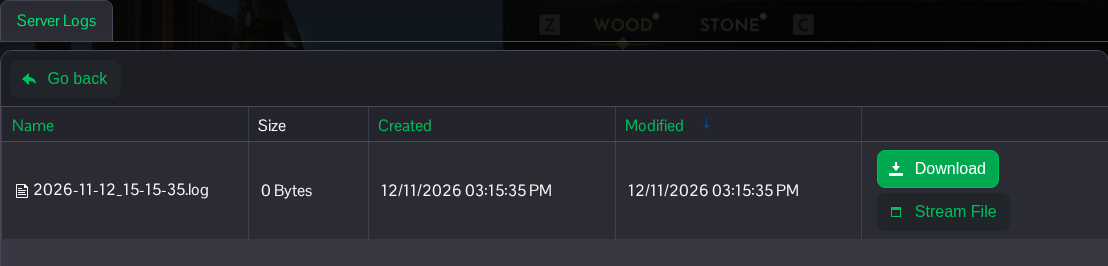
- Find the log with the most recent date. Use Stream File to view it in the panel, or Download to save a copy.
- Look for the messages around the time the problem happened. Keep the complete error and the lines around it rather than copying only its last line.
The same files are in the service's Logs folder. If you need us to look at a problem, include the relevant log and tell us what changed before it started. Remove passwords or other private details before posting a log publicly.
