Every Hytale world has a seed which controls world generation. If you want to recreate your world, share it with friends, or start a new world with the same layout, you will need this value.
This guide shows you how to find your world seed on your Hytale server on your control panel.
- Open your Hytale server in the control panel, then click the Files tab.
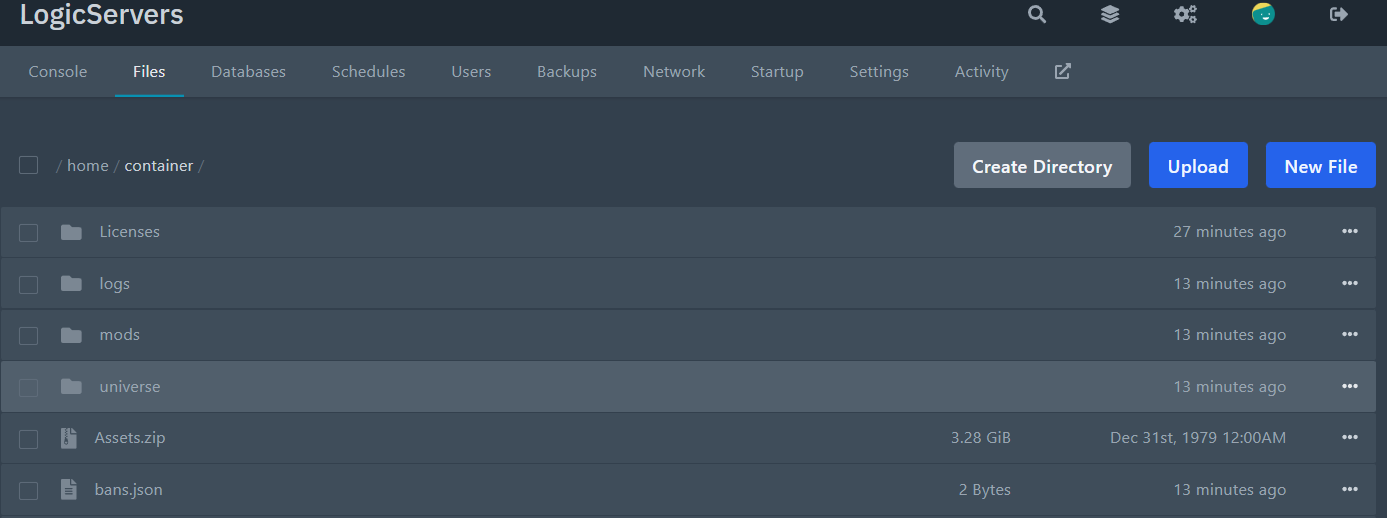
- Navigate to your world folder by opening
universe/worlds/.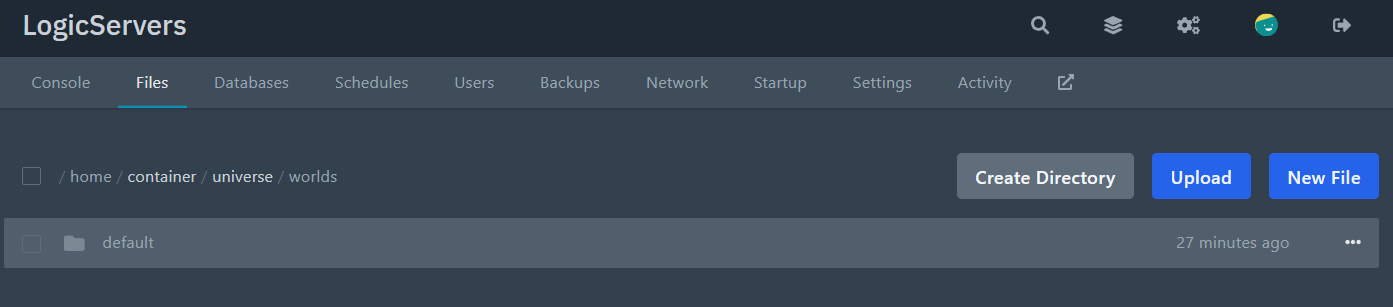
Each folder here is a world. Open the one you want the seed for.
- Inside your world folder, find
config.jsonand double click it to edit.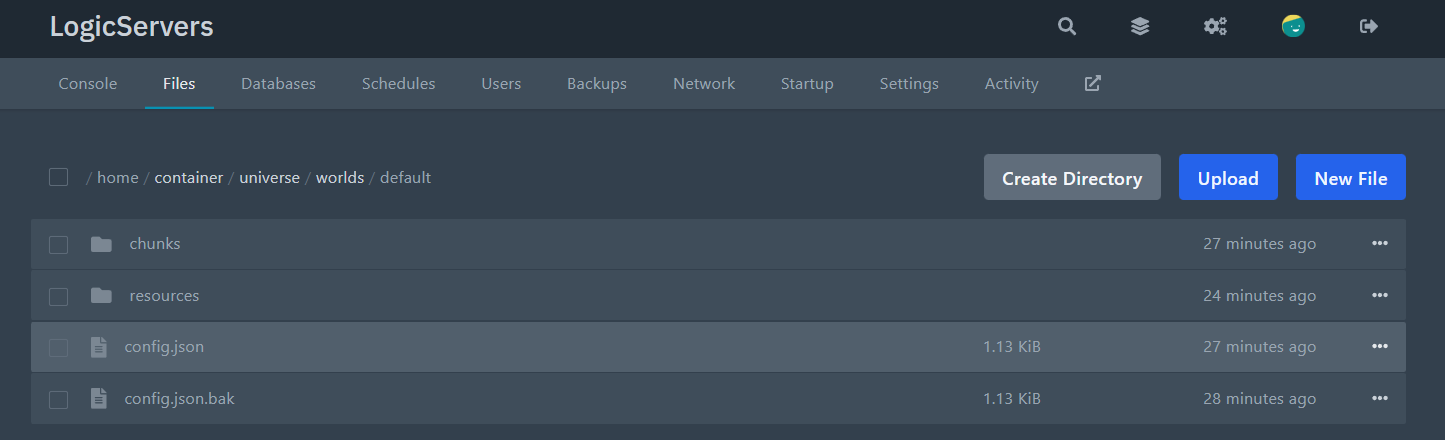
- Locate the Seed line. It will look like this:
"Seed": 1767292261384,Your seed is the number shown after
"Seed". Copy it somewhere safe.
That's it. You have now found your Hytale world seed.
NOTE: If you have multiple worlds, each one has its own config.json and its own seed, so make sure you are looking in the correct world folder.
