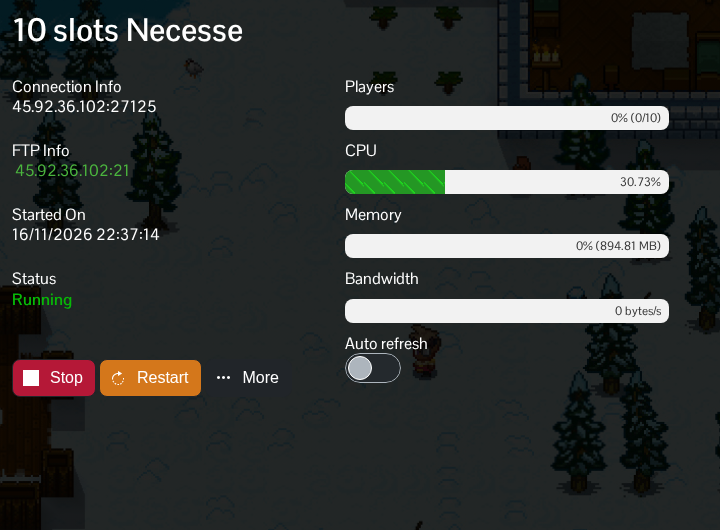
You join a Necesse server using its IP address and game port. Copy both from Connection Info in TCAdmin.
- Open your Necesse service in TCAdmin and start it. Allow the world to finish loading before connecting. The server log ends its startup with
Started server using port. - Copy the address under Connection Info. The number after the colon is the game port.
- Launch Necesse and open Multiplayer, then Add Server.
- Give the entry a name you will recognise. Enter the IP address and port in their separate fields, then click Add.
- Select the saved server and click Join Server. Enter your server password when asked.
Use the port shown on your service, even if an example elsewhere uses 14159. The FTP port is for transferring files and will not connect you to the game. Keep the server and your copy of Necesse on the same game version.
