Choosing an unused world name lets Necesse create a fresh world while keeping the previous one available. Make a backup first so you can recover it if needed.
- Stop your server and wait for Stopped.
- Open Configuration Files and choose Config Editor beside
server.cfg. - Change World Name to a new name, such as
NewWorld. Use a name that does not already exist on your service.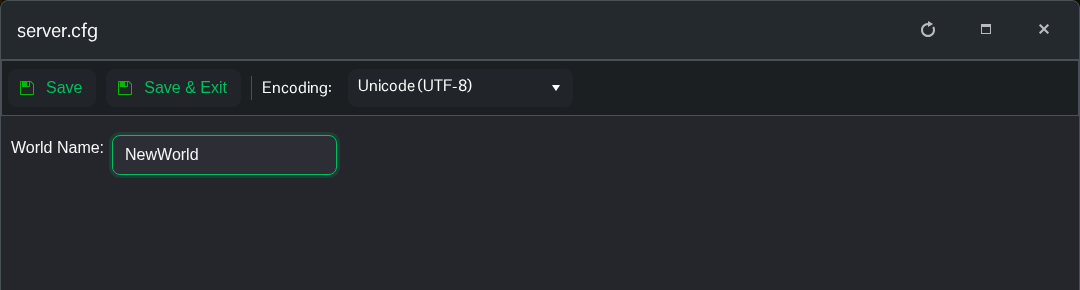
- Click Save & Exit and start the server. The first start will take longer while Necesse generates the world.
- Open File Manager and check
saves/worldsfor the new world folder. Join once loading has finished.
To return to the old world, stop the server, put its exact name back in World Name, save and start again. Selecting an existing name loads that world rather than resetting it. Leave the old folder in place until you are sure you no longer need it.
