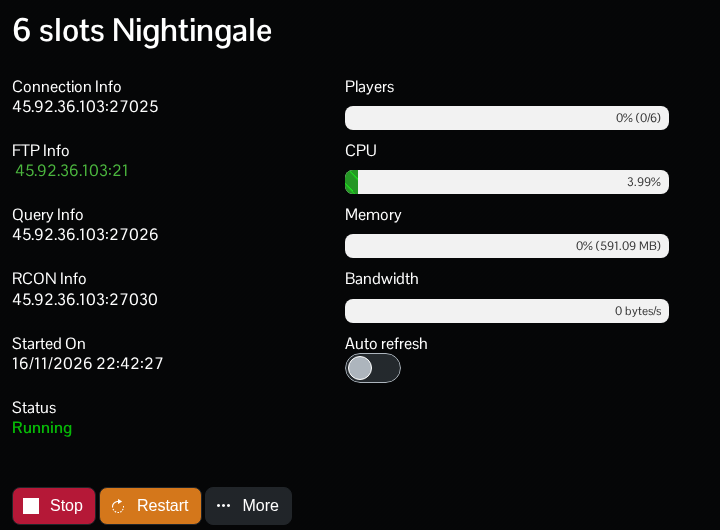
Use the game address under Connection Info in TCAdmin to join your Nightingale server. The query, RCON and FTP ports serve other purposes.
- Open your Nightingale service in TCAdmin and start it. Wait for startup to finish.
- Copy the IP address and port under Connection Info.
- Launch Nightingale, choose Play and select the character you want to use.
- Choose Join a Game, then IP/LAN.
- Enter the server's game address and port, connect and enter the join password if one is set.
Use the port assigned to your service rather than assuming the default 7777. Keep your copy of Nightingale updated alongside the server.
Before the first player connects to a new server, decide whose realms you want to bring across. Nightingale can import the first player's realms into an unused dedicated server. The developer explains this in its dedicated server instructions.
