A new Nightingale dedicated server can import the realms belonging to the first player who connects. Choose that player before opening the server to the rest of your group.
- Use an unused server and set a join password in
ServerSettings.iniso another player cannot connect first.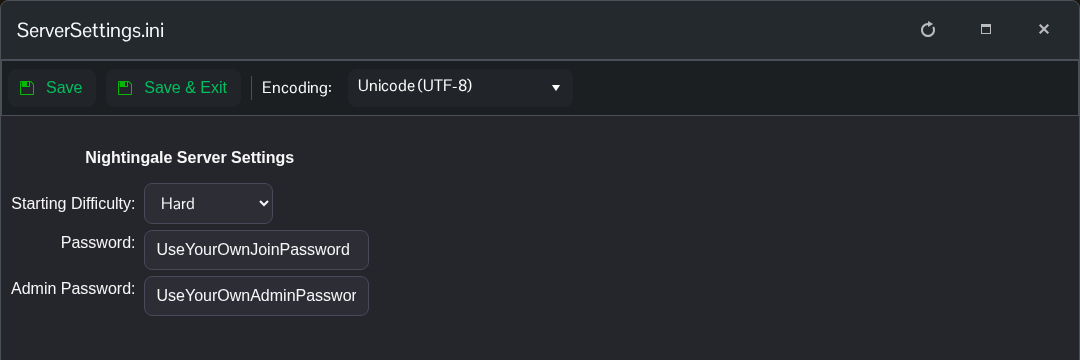
- Start the server and copy its game address from Connection Info.
- On the computer with the character and realms you want to keep, launch Nightingale and select that character.
- Choose Join a Game and IP/LAN, then connect using your server's game address and password.
- Let the import finish and check that the expected realms are available before inviting your other players.
This first-player realm import is described in the developer's dedicated server instructions. Once a player has already connected, bringing in another character does not import that character's realms into the existing server.
For a fresh start instead, connect with a new character first. Do not delete an established server's saved data to attempt an import without making a complete backup.
