Steam Update installs the current Nightingale dedicated server files. Back up the saved data and keep a separate copy of ServerSettings.ini before updating.
- Ask players to leave, then stop the server and wait for Stopped.
- Create a backup, including the separate settings copy in
NWX/Config/ServerSettings.ini. - Open Steam Update to launch the update.
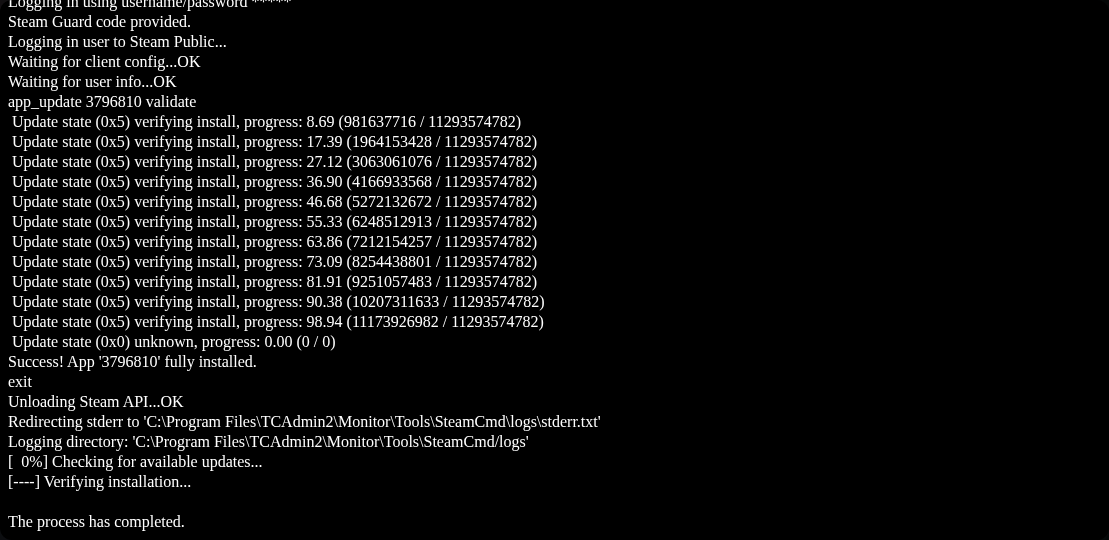
- Wait for SteamCMD to report a successful installation. Let the task finish before starting the server.
- Start the server and allow it to finish loading. Update Nightingale on your computer before reconnecting.
SteamCMD success confirms the download; check the newest log in NWX/Saved/Logs for any problem during the game's subsequent startup. If the panel still shows an update in progress, leave it to finish rather than submitting another one.
