Changing your world seed lets you generate a completely new Hytale world. The important bit is this: changing the seed does not rewrite a world that already exists. To actually get a new world, you need to wipe the existing world data so the server generates it again.
Before you do anything, take a backup. This will reset your world, including builds and exploration. You can use our How to backup your Hytale Server guide to do this.
- Stop your server, if you do not do this it will completely mess up the new world by saving over it.
- Go to Files, then open
universe/worlds/.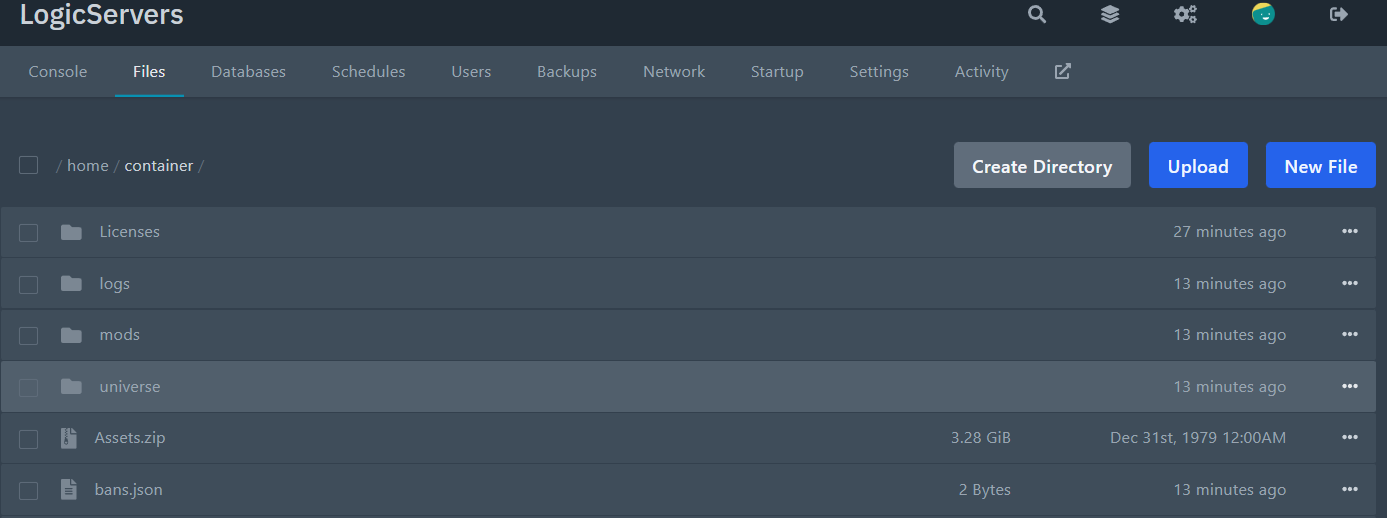
- Open the folder for the world you play on, in the case of this guide its default.
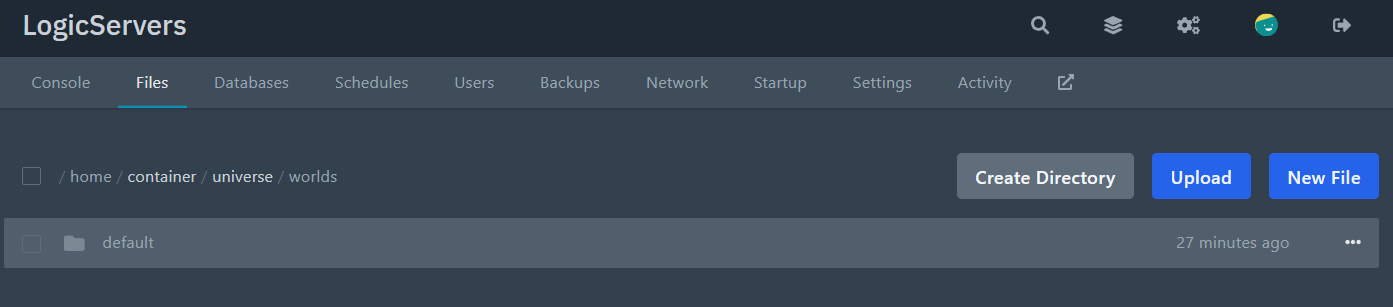
- Open the world
config.json.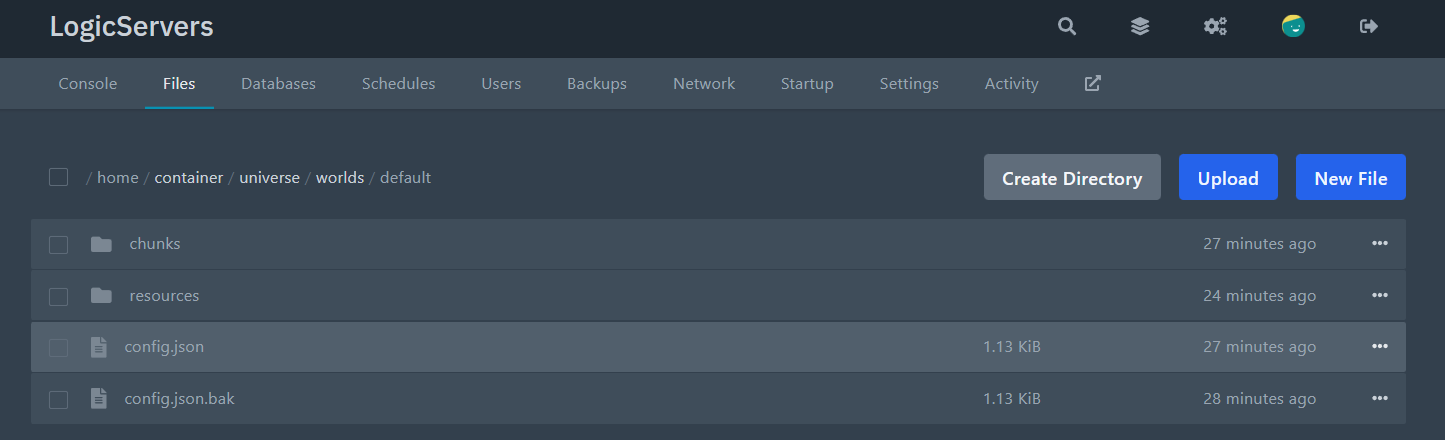
- Find the seed line:
Change the number to your new seed. Example:"Seed": 1768417234077,"Seed": 403765340547, - Save the file.
- Now wipe the existing world data so the new seed can take effect.
In the same world folder, delete the
chunksfolder and theresourcesfolder (if present).WARNING: This is the part that resets the world. If you skip this, your world will stay the same.
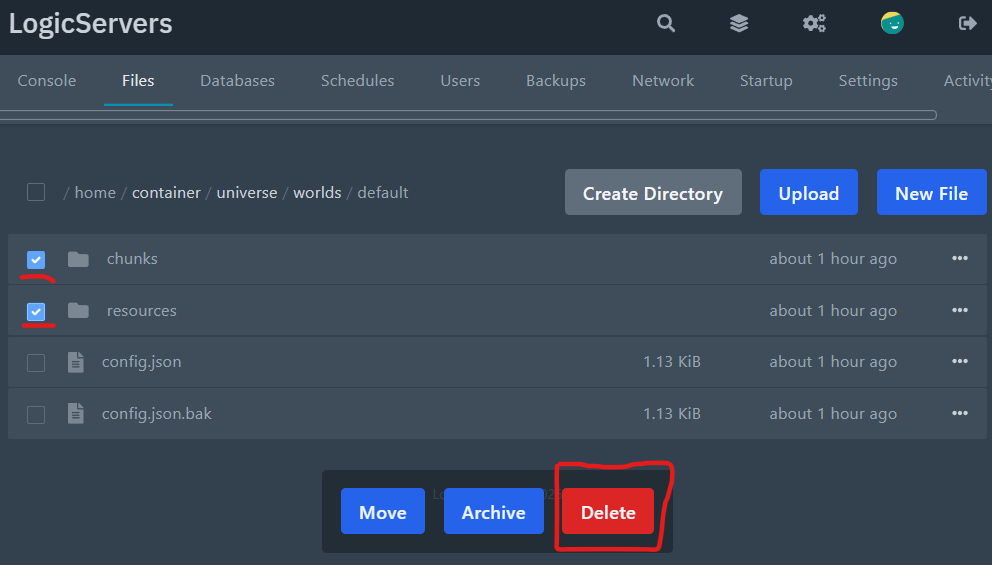
- Start the server again. It will generate a fresh world using the new seed.
If the server fails to start after editing, the most common cause is invalid JSON. Undo your last change and try again carefully. If you need help, we're here 24/7, just submit a ticket.
If you want to keep your old world and generate a new one instead, create a new world folder and switch your default world in the main server config.json. Our settings guide covers where each config lives: Modifying the settings of your Hytale server.
