Automatic updates let your Hytale server update itself when it starts up. This is useful if you want to stay on the latest server build without manually updating.
- Go to your Hytale server, then click the Startup tab.
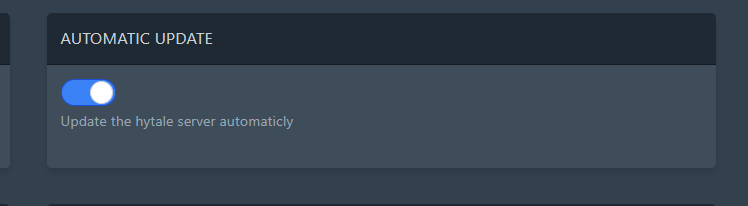
- Find
AUTOMATIC_UPDATEand enable it. - The panel saves Startup changes automatically. Restart your server to apply the change.
If updates seem stuck: give the server a bit longer to boot after enabling automatic updates, as it may be downloading and applying an update before it fully starts.
If the server won’t start: disable AUTOMATIC_UPDATE again, restart, and try once more. If it still fails, send us the console output and we’ll take a look.
Before updating
Create a backup first if the server has active progress, custom configuration, or mods. Tell players before restarting so nobody is disconnected during the update.
After updating
Start the server, check the console for startup errors, and join with an updated client. If the server uses mods, confirm the mods support the new game version before assuming the update failed.
