Admins on Hytale are called operators (OPs). You give someone OP using a console command. You do not need to edit any files.
- Start your server, then have the player join at least once (so the server knows who they are).
- Go to your Hytale server, then click the Console tab.

- Give the player admin (OP), use their in-game name and keep in mind that they need to be logged in for you to add them as OP:
/op add <playername>Example:
/op add mouseymars - To remove admin (de-op):
/op remove <playername>Example:
/op remove mouseymars
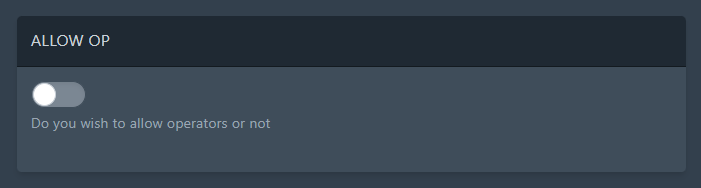
Optional: If you enable ALLOW_OP in the Startup tab, players can self-assign with:
/op selfOnly do this if you actually want that behaviour.
That's all there is to it, after following the steps you'll be able to run commands in-game rather than just on our Hytale Server Hosting control panel. If you need assistance with becoming admin/op on your Hytale Server, please submit a ticket.
