Change ServerName in Server.cfg to choose the name players see in Squad’s server browser.
- Open your Squad service in the game control panel and stop the server.
- Open Configuration Files and choose Text Editor beside
Server.cfg. - Find the
ServerNameline near the top and replace the text inside the quotation marks. For example, useServerName="Squad Community Test"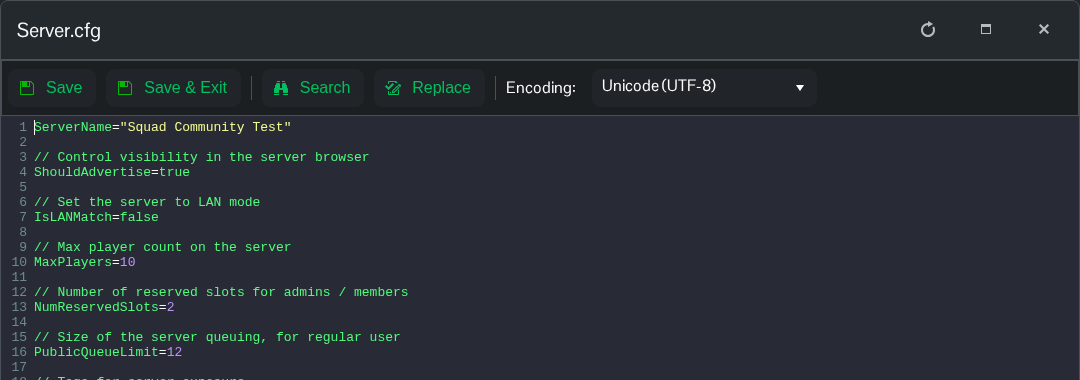
- Click Save & Exit, then start the server. Search for the new name in Squad after the server has finished loading.
