Use MOTD.cfg for your server’s welcome text and rules. Keep the message short enough for new players to read before they join a squad.
- Open your Squad service in the game control panel and stop the server.
- Open Configuration Files and choose Text Editor beside
MOTD.cfg. - Replace the existing message with your own welcome text or rules.
Welcome to our Squad community. Play the objective and follow the server rules.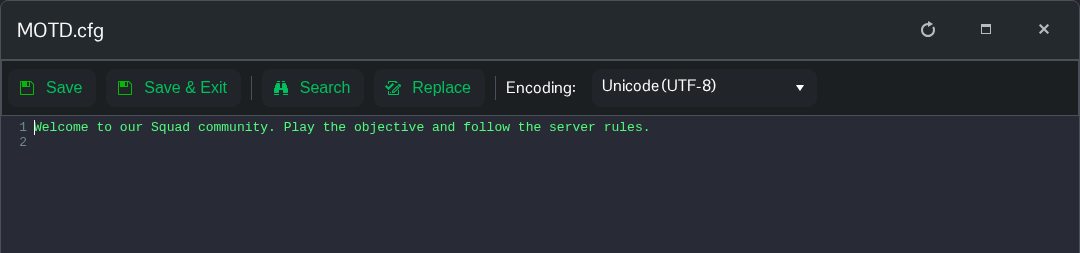
- Click Save & Exit, then start the server.
