Reserved slots hold space for players whose admin group has the reserve permission. PublicQueueLimit controls how many regular players can wait for a free place.
- Open your Squad service in the game control panel and stop the server.
- Open Configuration Files and choose Text Editor beside
Server.cfg. - Set
NumReservedSlotsandPublicQueueLimitto the numbers you need. Keep reserved slots below the server’s player limit.NumReservedSlots=2 PublicQueueLimit=12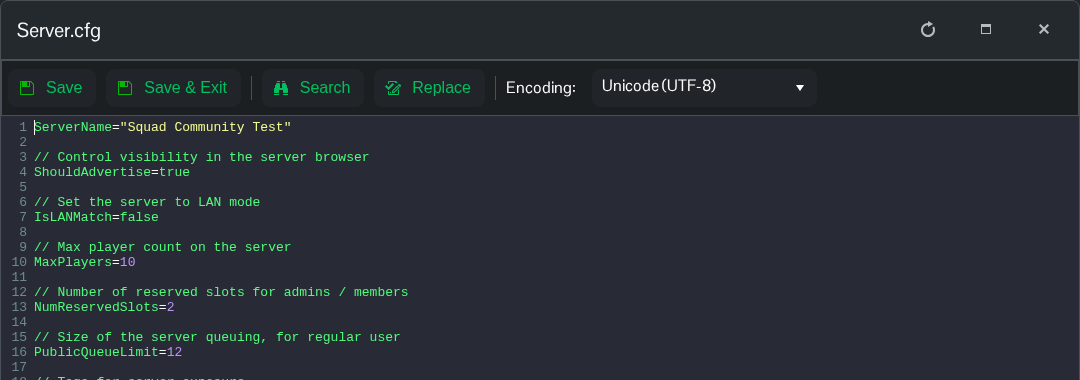
- Save and exit, then open
Admins.cfg. Addreserveto the relevant group’s permission list and assign the members who should use those slots.Group=CommunityOwners:kick,ban,changemap,chat,reserve Admin=YOUR_STEAMID64:CommunityOwners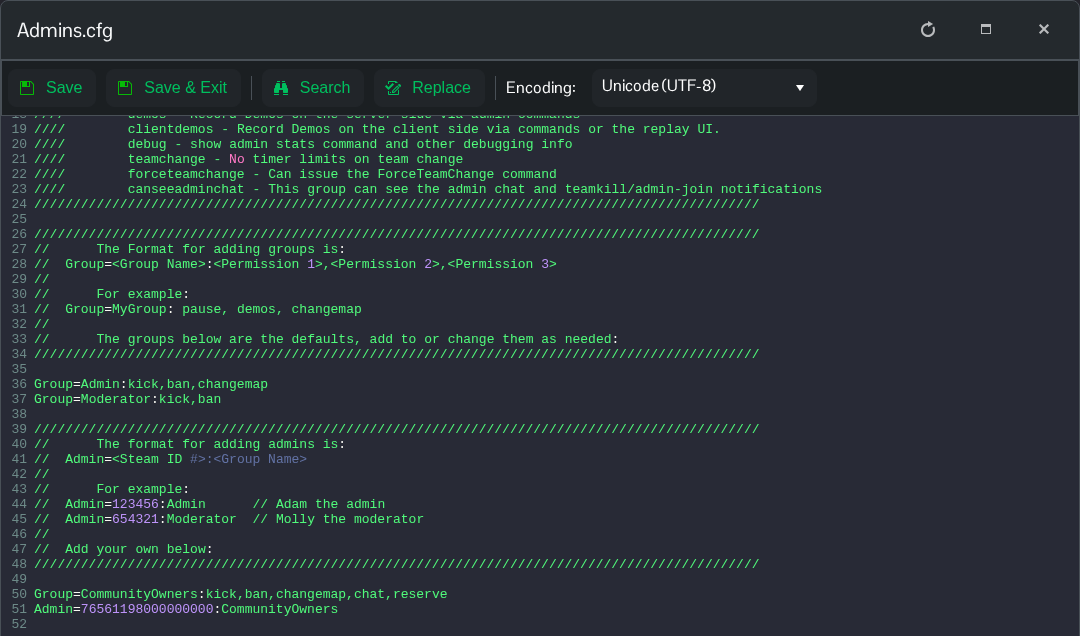
- Click Save & Exit, then start the server.
