Squad reads rotating announcements from ServerMessages.cfg. The delay between messages is set separately in Server.cfg.
- Open your Squad service in the game control panel and stop the server.
- Open Configuration Files and choose Text Editor beside
SquadGame\ServerConfig\ServerMessages.cfg. - Put each announcement on its own line. For example, use
Welcome to our Squad community.
Keep voice chat clear for your squad.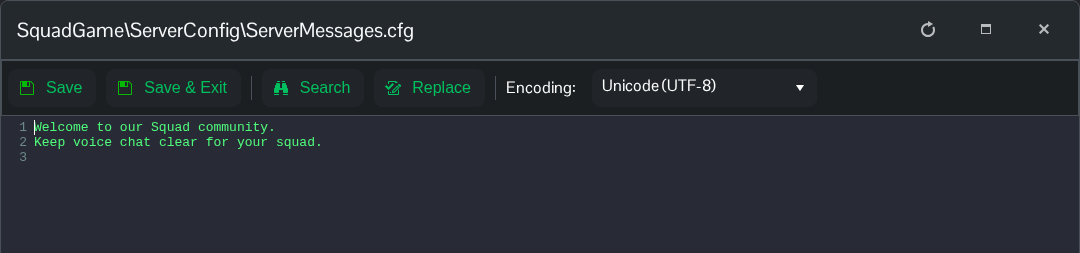
- Click Save & Exit, then open
Server.cfgin Text Editor. SetServerMessageIntervalto the number of seconds between messages. This example uses two minutes.ServerMessageInterval=120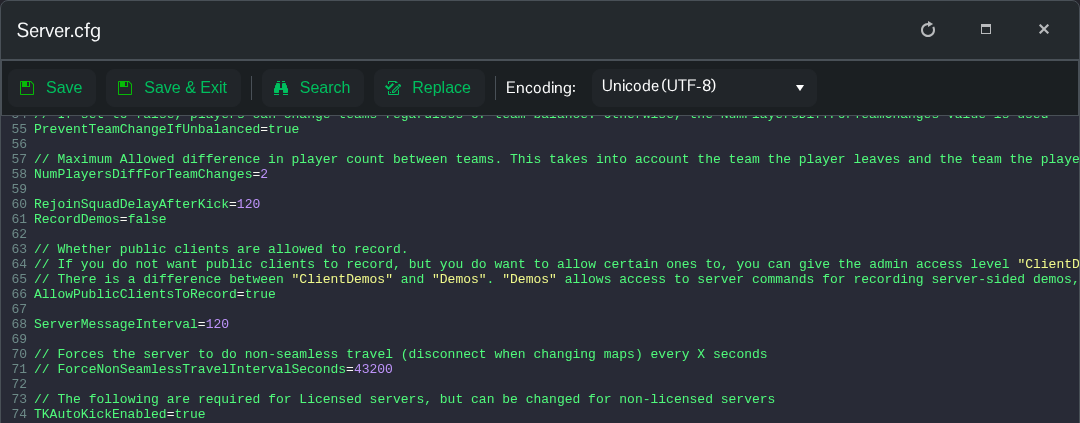
- Click Save & Exit, then start the server.
