Run Steam Update when your Squad server needs the current dedicated-server files. Take a backup of your configuration first.
- Open your Squad service in the game control panel and stop the server.
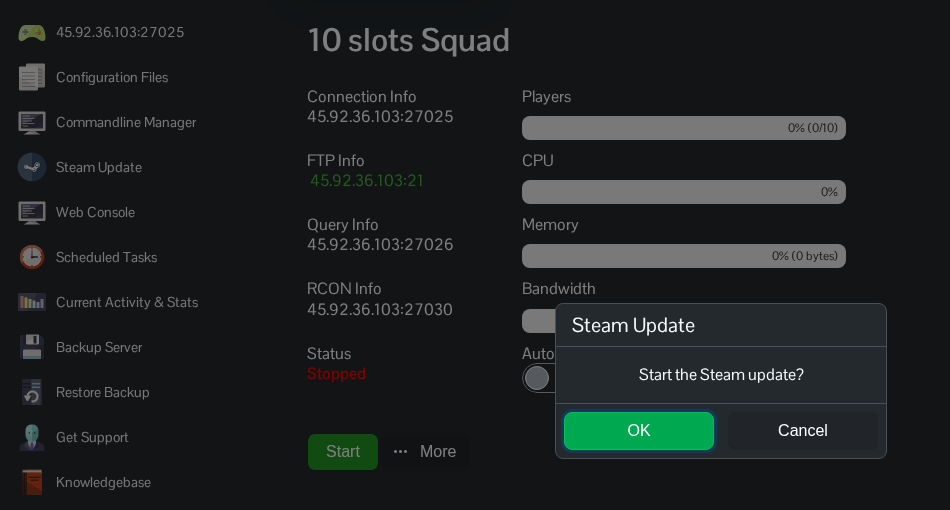
- Click Steam Update in the service menu, then confirm with OK.
- Leave the update window open while SteamCMD downloads and validates the files. Wait for
Success! App '403240' fully installed.and for the process to complete before starting the server.
- Return to the service page and start the server. Allow it to finish loading its first layer before players reconnect.
