This guide shows you how to install PocketMine on a Minecraft Bedrock server.
If you only want the normal Bedrock server software, use this guide instead: How to install or update Bedrock on your Minecraft server.
Install PocketMine
- Open your server in the control panel, then open Versions.
- The Bedrock installer page will show Bedrock server software options.
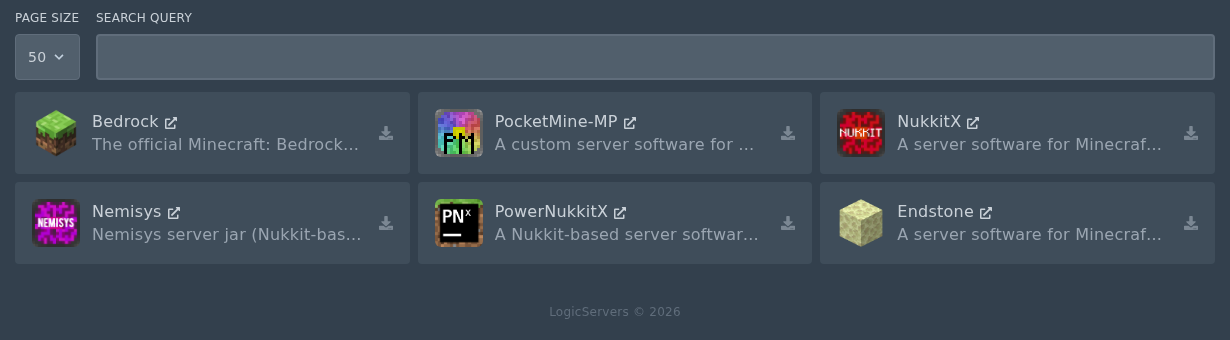
- Find PocketMine, then click the small install icon on the right of the card.

- Select the Release version you want to install, then click Install software.
Do not check Delete files unless you want to wipe your server.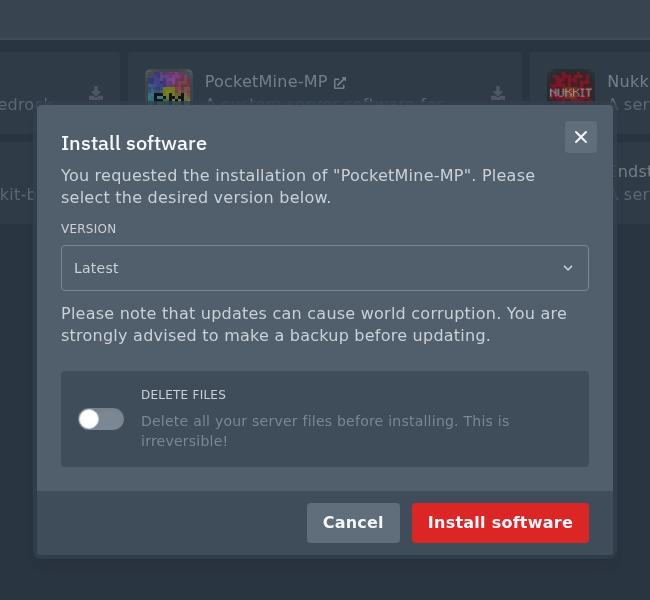
- Wait for the install to finish, then start the server from Console.
Check server files and install plugins
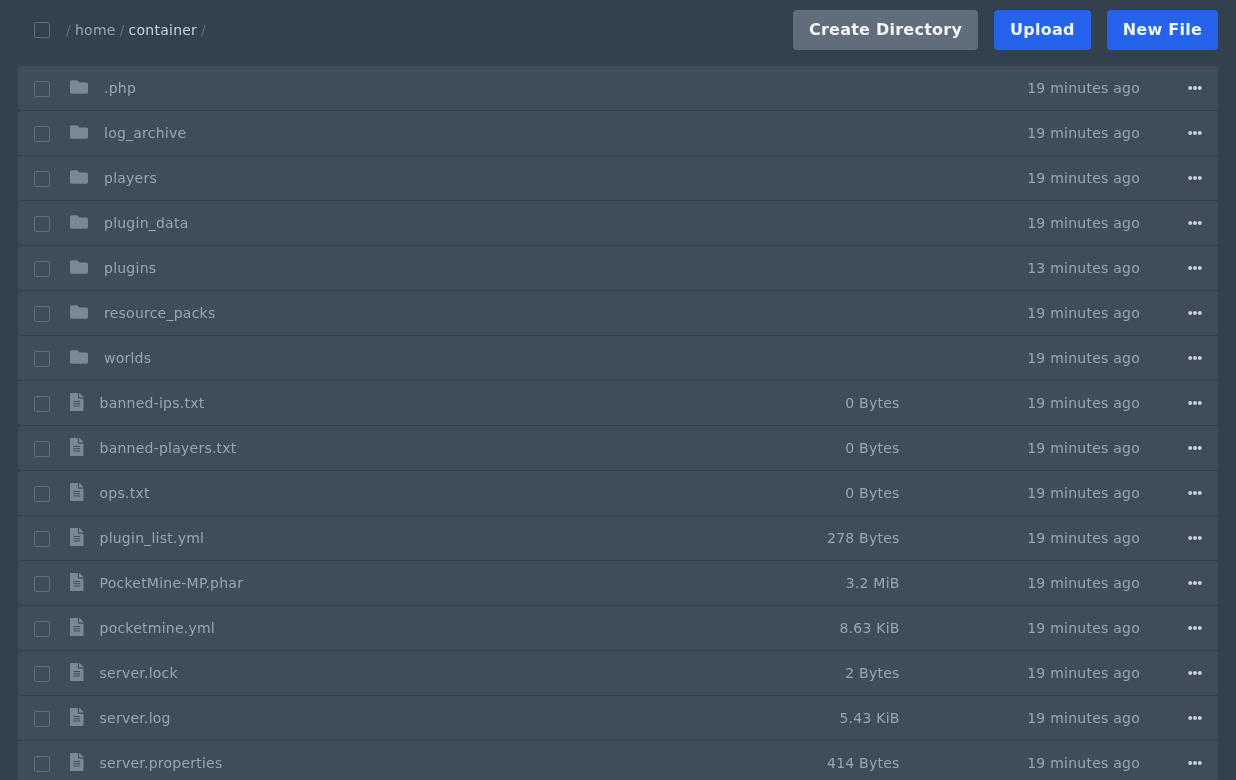
After PocketMine has started once, open Files. A working PocketMine install should have files and folders such as PocketMine.phar, pocketmine.yml, plugins, plugin_data, worlds, and server.properties.
You can install PocketMine plugins after the server is running: How to install PocketMine plugins.