Dragonwilds uses DefaultWorldName in DedicatedServer.ini to choose which world save the server loads. This setting is not shown in the Config Editor, so use the Text Editor for this one.
If the world is not already on the server, upload it first: Uploading a local save file to your Dragonwilds server. If you want to create a fresh world instead, use: How to reset the world on a Dragonwilds server.
Change The World Name
- Open your Dragonwilds server in the control panel, then click Configuration Files on the left side menu.
- Find
DedicatedServer.ini, then click Text Editor.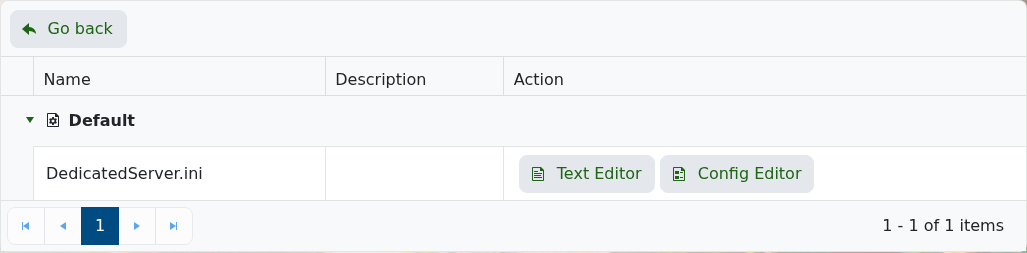
- Find the
DefaultWorldNameline and change the value after=to the world name you want the server to load. The default value is usuallyLogicServers, but it may be different if you have changed it before.DefaultWorldName=LogicServers
- Click Save & Exit, then restart the server.
The world name must match the save folder on the server. Dragonwilds saves are stored in RSDragonwilds/Saved/SaveGames.
