Resetting the world removes the current Dragonwilds world save and lets the server generate or load a fresh world.
Only wipe the world when you are sure. If you only want to switch to another saved world, use this instead: How to change what world your Dragonwilds server is running.
Reset the world
- Take a backup first if you might want the old world back.
- Stop the server.
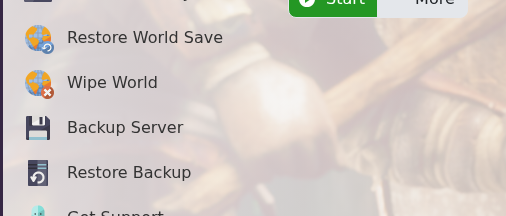
- Click Wipe World on the left side menu.
- Confirm the action if the panel asks you to execute the script.
- Start the server.
Before changing settings
Create a backup before changing world, map, security, or gameplay settings on an active Dragonwilds server. Some settings only apply after a restart, and some only affect newly generated worlds.
Verify the change
After saving, restart the server and check the console for errors. Join the server or ask a player to test the changed behaviour before making further edits.
