Dragonwilds updates can be installed from the control panel using Steam Update.
Take a backup before updating: How to backup your Dragonwilds Server.
If your server uses mods, update Dragonwilds manually and check your mods afterwards. Game updates can stop older mods working until the mod author releases an update.
Update Dragonwilds
- Open your Dragonwilds server in the control panel.
- Stop the server so the update can run cleanly.
- Click Steam Update on the left side menu.

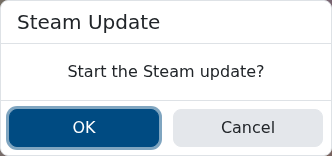
- When the confirmation box appears, click OK to start the Steam update.
- Wait for the update task to finish. Do not start the server while the update is still running.
- Start the server again and check that it comes online normally.
If the server is modded, update any mods that need a new version after the game update: Installing and updating mods on your Dragonwilds Server.
For unmodded servers, you can also schedule Steam Update to run automatically: Enabling automatic updates for your Dragonwilds server.
