Astroneer keeps its hosted server settings in AstroServerSettings.ini. Always stop the server before editing it, otherwise the running process can overwrite your changes when it closes.
- Open your Astroneer server in the control panel and stop it.
- Take a backup before changing settings you may want to restore later.
- Click Configuration Files. The current service exposes
AstroServerSettings.iniandEngine.inithrough their Text Editors.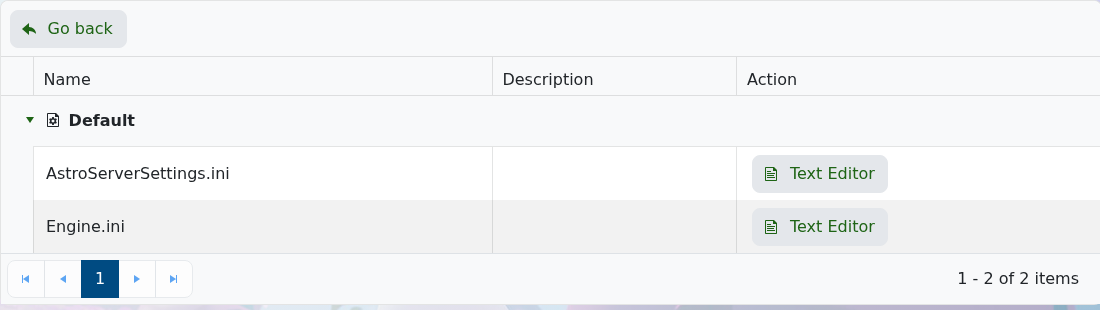
- Click Text Editor beside
AstroServerSettings.iniand change only the settings you need. - Click Save & Exit, start the server and test the change before editing anything else.
| Setting | Purpose |
|---|---|
ServerName | The name used for the server. |
ServerPassword | The join password; leave it empty for no password. |
OwnerName | The Steam name that should claim server-owner access. |
AutoSaveGameInterval | Time between automatic saves, in seconds. |
BackupSaveGamesInterval | Time between Astroneer's own save backups, in seconds. |
Do not change the managed public IP, port, server GUID or advertised-name values unless support asks you to. If the server stops starting, undo the last change or restore the backup instead of changing several more lines at once.
