A Stormforge backup contains the world saves and settings.json. Restoring it writes those backed-up files over the current copies. Progress made since that backup can be lost, so check the archive's date before choosing it.
- Stop your Stormforge service in TCAdmin. Back up its current state first if you may need to return to it.
- Click Restore Backup in the left-hand menu.
- Select the backup you want to restore.
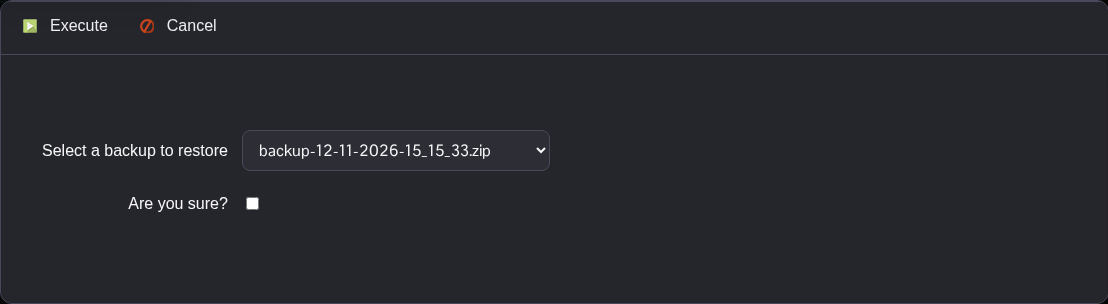
- Tick Are you sure?, then click Execute. Wait for the restore task to complete successfully before starting the server.
- Start the service, then reconnect and check that you have the expected world and settings.
