Server-side Arma 3 mods are loaded by the server but are not usually required on the player's client. These should use the -servermod startup option rather than the normal -mod list.
- Install or upload the server-side mod files.
- Open your Arma 3 server in the control panel.
- Click Commandline Manager.
- Review the selected command line. If you need to edit startup values, create or edit a custom command line first: How to create a custom command line for your Arma 3 server.
- Add server-only mod folders to
-servermod. Keep normal client mods in-mod.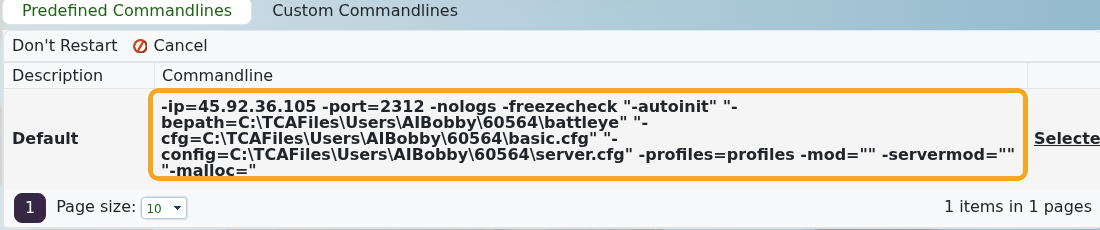
- Select the command line if it is not already selected.
- Restart the server.
Example:
-mod="@CBA_A3;@ace" -servermod="@serverTools"
Use -mod for mods players must also load. Use -servermod for server-only tools, headless/server utilities, and mods the client should not be asked to load.
