Conan Exiles mods can be installed from the TCAdmin Steam Workshop tool where available, or uploaded manually and enabled in modlist.txt. Players also need the same mods in the same order when joining.
Install from Steam Workshop
- Open your Conan Exiles server in the control panel.
- Click Steam Workshop.
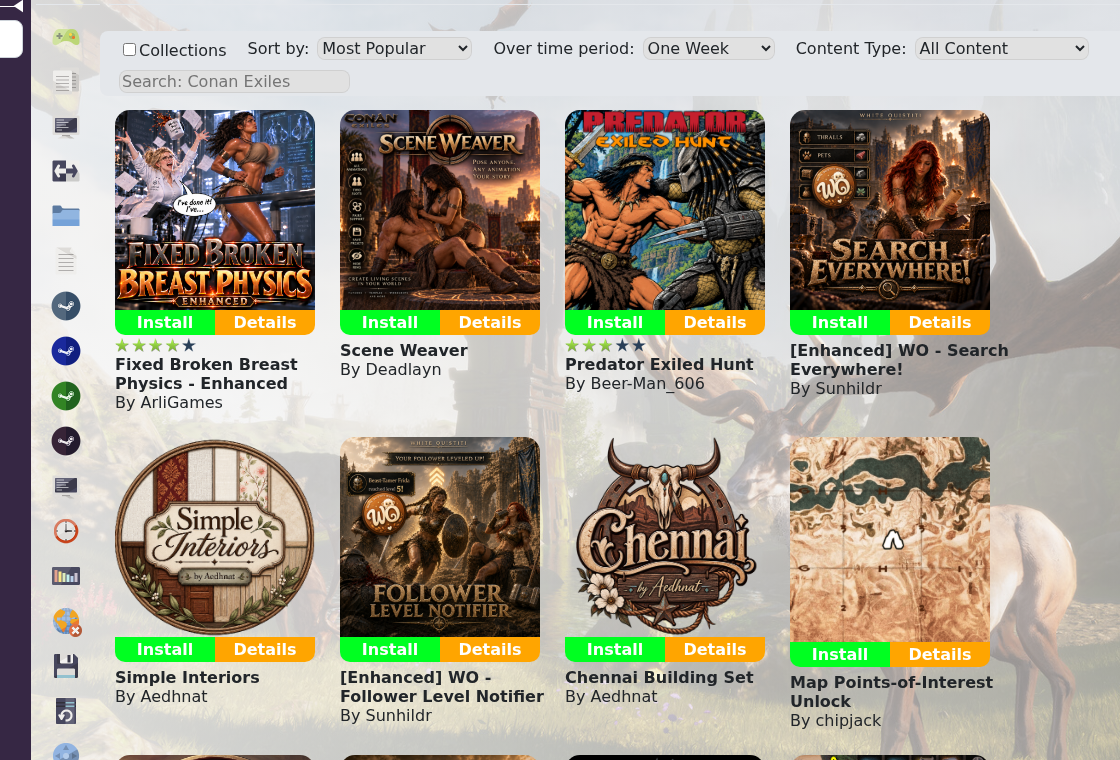
- Search for the mod you want, check the title and author, then install it.
- Open Steam Workshop (installed) to confirm the mod is listed.
- Restart the server after installing or updating mods.
Manual mod upload
- On your PC, find the subscribed Conan Exiles Workshop content under your Steam library. Conan Exiles uses Steam app id
440900, so Workshop files are normally understeamapps/workshop/content/440900/. - Open the folder matching the Workshop item id and find the mod's
.pakfile. - Upload the
.pakfile to aModsfolder on the server using SFTP or File Manager. - Open Configuration Files and then Text Editor for
modlist.txt. - Add one mod per line. Prefix each
.pakfilename with*, for example:

*ExampleMod.pak
*AnotherMod.pak- Save
modlist.txtand restart the server. - If the server fails to start, remove the newest mod from
modlist.txt, restart, and check whether it starts cleanly.
Add one mod at a time where possible. If several mods are added at once and the server fails, it is much harder to identify the mod or load-order problem.
