Update your Stormforge server after a game patch so it matches the version your group is playing. TCAdmin's Steam Update action downloads the server files.
- Ask everyone to leave, stop the server and take a backup before updating.
- Click Steam Update in the left-hand menu.
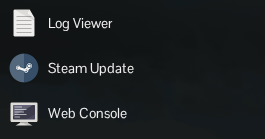
- Click OK when asked to start the Steam update, then wait for the process to finish. Keep the server stopped while the files are being updated.
- Start the server again. Each player should also let Steam finish updating their own copy before joining.
If the update task reports an error, keep its message and check the server logs before making further changes.
