Rust command lines control startup-only options such as RCON, WebRCon, logs, map size, save interval, level URL, and other launch arguments. Most users do not need a full custom command line: click Selected on the predefined command line if you only need to change the exposed basic startup options.
- Open your Rust server in the control panel.
- Click Commandline Manager.
- On Predefined Commandlines, click Selected beside the active command line if you only need to edit the exposed default options.
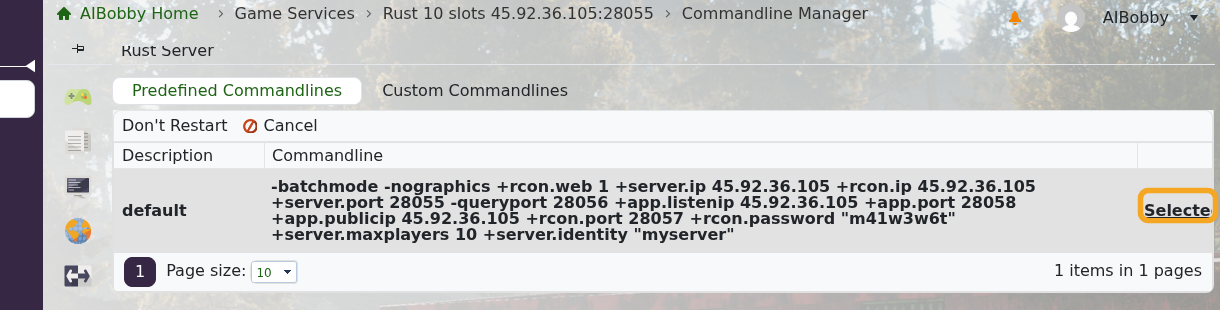
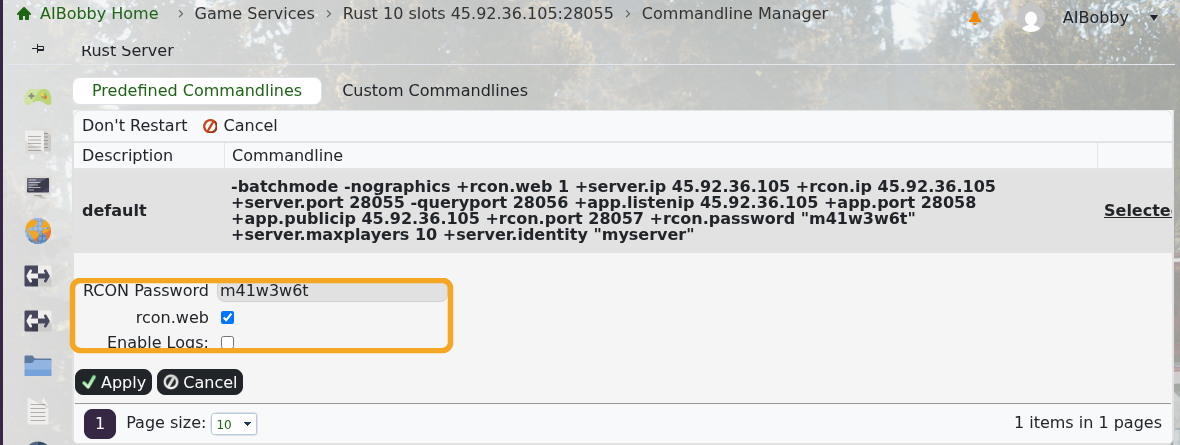
- Change the available fields, such as RCON Password, rcon.web, or Enable Logs, then click Apply.
- For a separate startup profile, open Custom Commandlines and click New.
- Enter a description, tick only the settings you want this command line to override, then fill in those values.
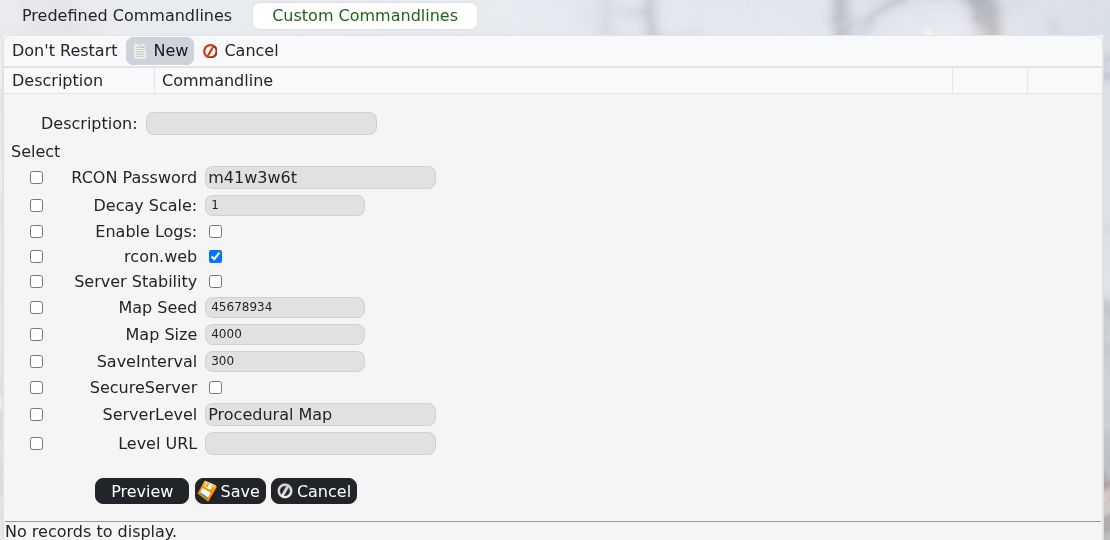
- Click Save, select the custom command line, then restart the server.
- Open Web Console after the restart and check for startup errors.
Use server.cfg Config Editor for normal browser settings like name, PvE, description, and banner. Use Commandline Manager for startup-only settings like RCON, WebRCon, logs, level URL, and custom launch profiles.
