Use Arma Reforger admin commands when you need to manage players, check who is connected, or control bans without relying only on the in-game menu. Most day-to-day moderation is easiest in-game, while BattlEye RCON is useful when you want to run commands from outside the game.
Before You Start
- Set a private admin password first: How to set the admin password on your Arma Reforger server.
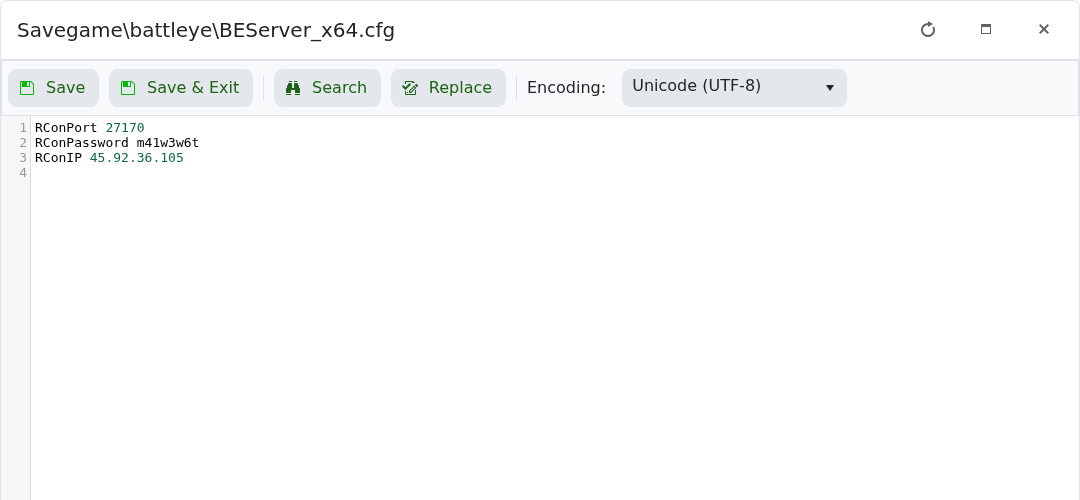
- Set up BattlEye RCON if you want to run commands remotely: How to configure BattlEye RCON on your Arma Reforger server.
- Use player identifiers from the in-game admin menu, RCON
playersoutput, server logs, or existing ban entries. Do not rely on display names alone.
In-Game Admin
The in-game admin tools are normally the safest way to kick or ban a player who is currently online, because the game already knows the correct player identity. Join the server as an admin, open the player/admin menu, select the player, then choose the action you need.
| Action | What to use |
|---|---|
| Kick a player | Use the in-game admin player list and choose the kick action. |
| Ban a player | Use the in-game admin player list and choose the ban action, then enter a reason. |
| Find a player identifier | Use the in-game admin player details if shown, or use RCON players. |
BattlEye RCON Commands
Connect to BattlEye RCON with the RCON IP, port, and password configured for your server. Different RCON clients may show buttons for these actions, but the command names below are the common commands you will use for player moderation.
| Command | What it does |
|---|---|
players | Lists connected players. Use this first so you can see the player number and GUID/identity shown by your RCON client. |
kick PLAYER_NUMBER reason | Kicks a connected player by their current player number. |
ban PLAYER_NUMBER reason | Bans a connected player by their current player number. |
addBan PLAYER_GUID 0 reason | Adds a ban by player identifier. Use the GUID/identity copied from players, logs, or admin tools. 0 is commonly used by BattlEye tools for a permanent ban. |
bans | Lists saved bans in the RCON client. |
removeBan BAN_NUMBER | Removes a saved ban by the ban number shown by bans. |
writeBans | Writes the current ban list to disk. |
loadBans | Reloads the ban list from disk, if supported by your RCON client/server version. |
Examples
List connected players first:
players
Kick player number 3 for team killing:
kick 3 Team killing
Ban player number 3 while they are online:
ban 3 Cheating
Add a permanent ban using a copied player identifier:
addBan 0123456789abcdef0123456789abcdef 0 Cheating
Check bans and remove ban number 2:
bans
removeBan 2
writeBans
Notes
- Player numbers can change when players disconnect or reconnect, so run
playersimmediately before using a player-number command. - For offline players, use the player GUID/identity from logs, RCON output, or an existing ban entry.
- For more detail on ban files and unbanning, see How to ban or unban players on your Arma Reforger server.
