Use Steam Update when Mordhau releases an update or players receive a version mismatch. Tell anyone online before you begin, then back up the server if it contains configuration or uploaded files you need to keep.
- Open your Mordhau server in the control panel.
- Stop the server and wait until it is fully offline.
- Click Steam Update.

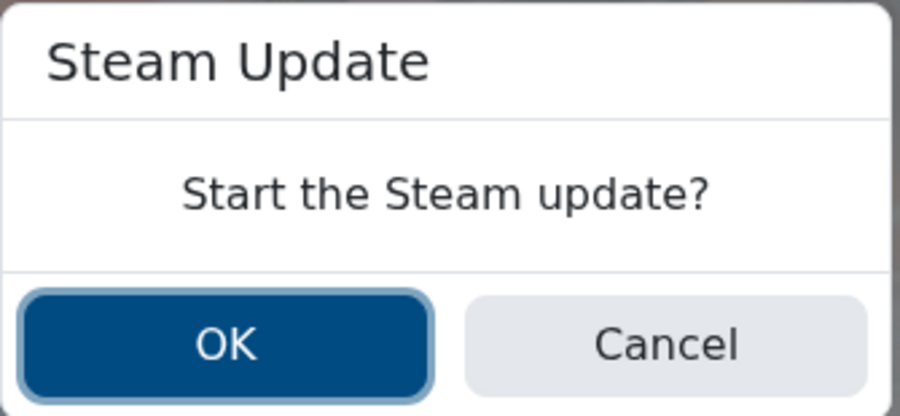
- Confirm the Steam Update prompt.
- Wait for the update task to finish. Do not start the server while the update is still running.
- Start the server, then join or check the console to confirm it loads normally.
If the update fails, leave the server stopped and run Steam Update once more. If it still fails or players still see a version mismatch, check Web Console or Log Viewer, then submit a support ticket with the update output and the time the task was run.
