Outlaws of the Old West reads banned players from BanList.txt. The current panel exposes this file directly, so you do not need to search through the server folders.
- Stop the server.
- Open Configuration Files.
- Click Text Editor beside
BanList.txt.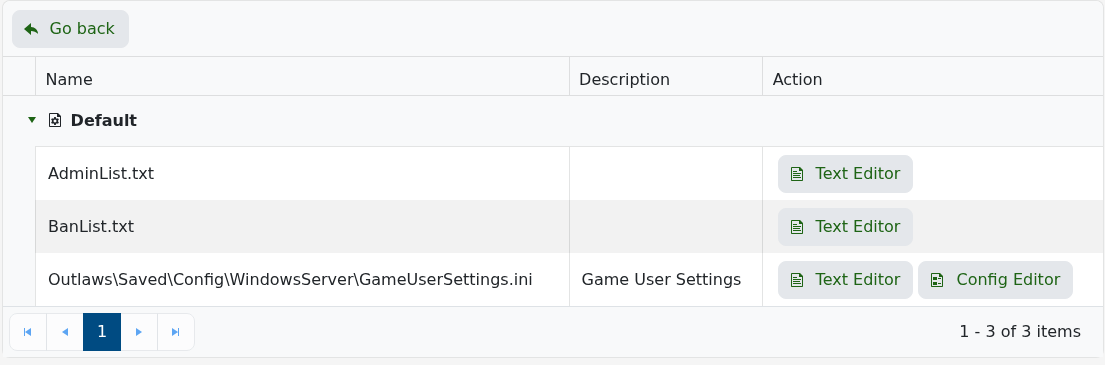
- Add one player's 17-digit SteamID64 per line, or remove the line to unban that player.
- Save the file and start the server.
76561198000000000
76561198000000001
Do not add names, commas or quotation marks. If a change is needed while the server remains online, edit the file and run RefreshBanTextList as an authenticated administrator; otherwise restart the server so it reloads the list.
