Hytale has just been released and the best way to play the game is with your own Hytale Server on our Hytale Server Hosting! Joining the server is quite straightforward and in this guide, we'll teach you exactly how to join.
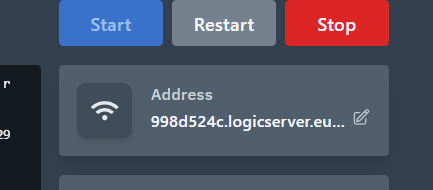
The first thing you're going to want is the IP address from your control panel, you can just click on it to copy.
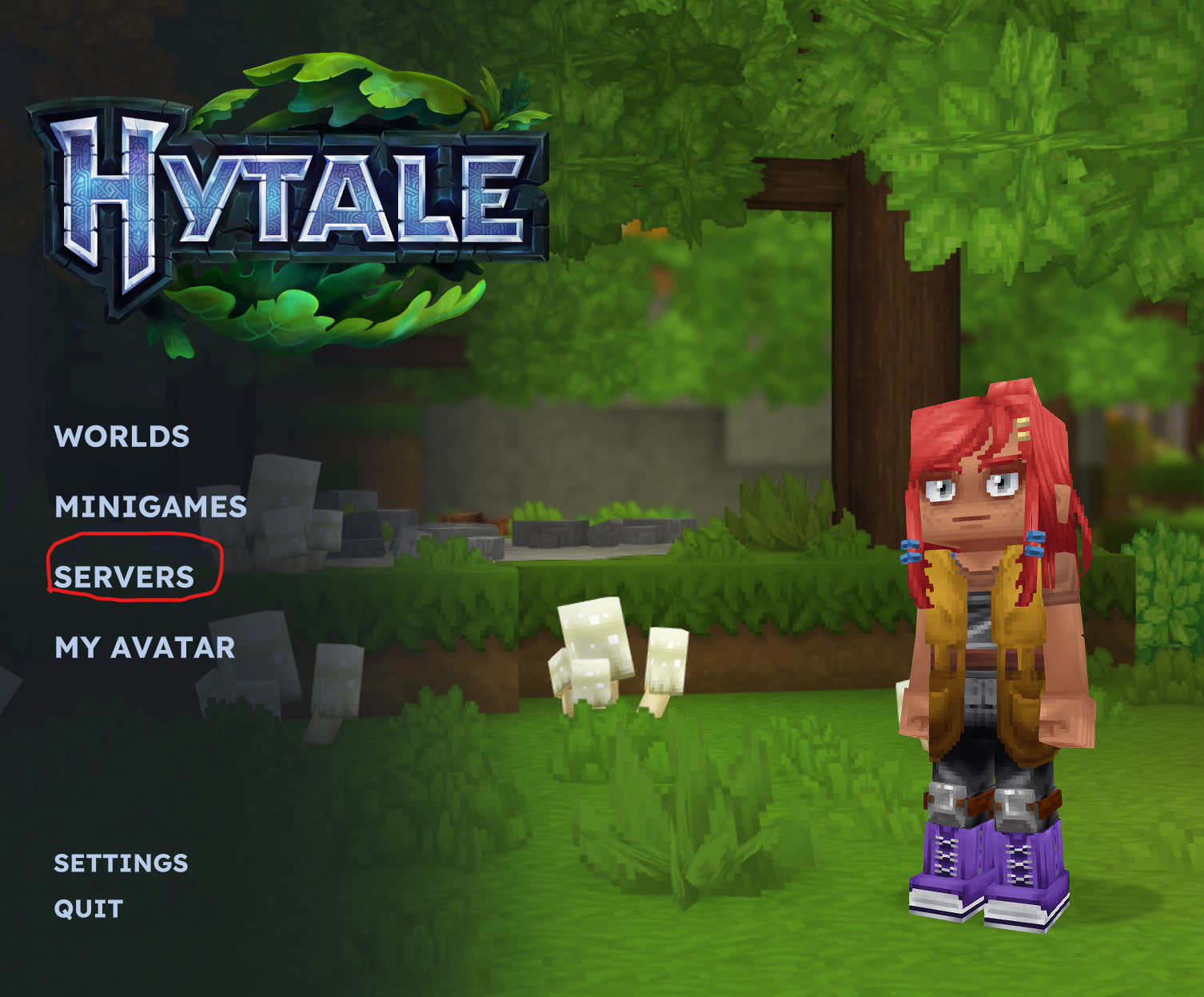
Next open Hytale and click on the Servers button, this then takes you to the servers view so we can enter the IP.
Once on that page, click on the Add Server button at the bottom of the screen, or if you just want to join once, use Direct Connect.
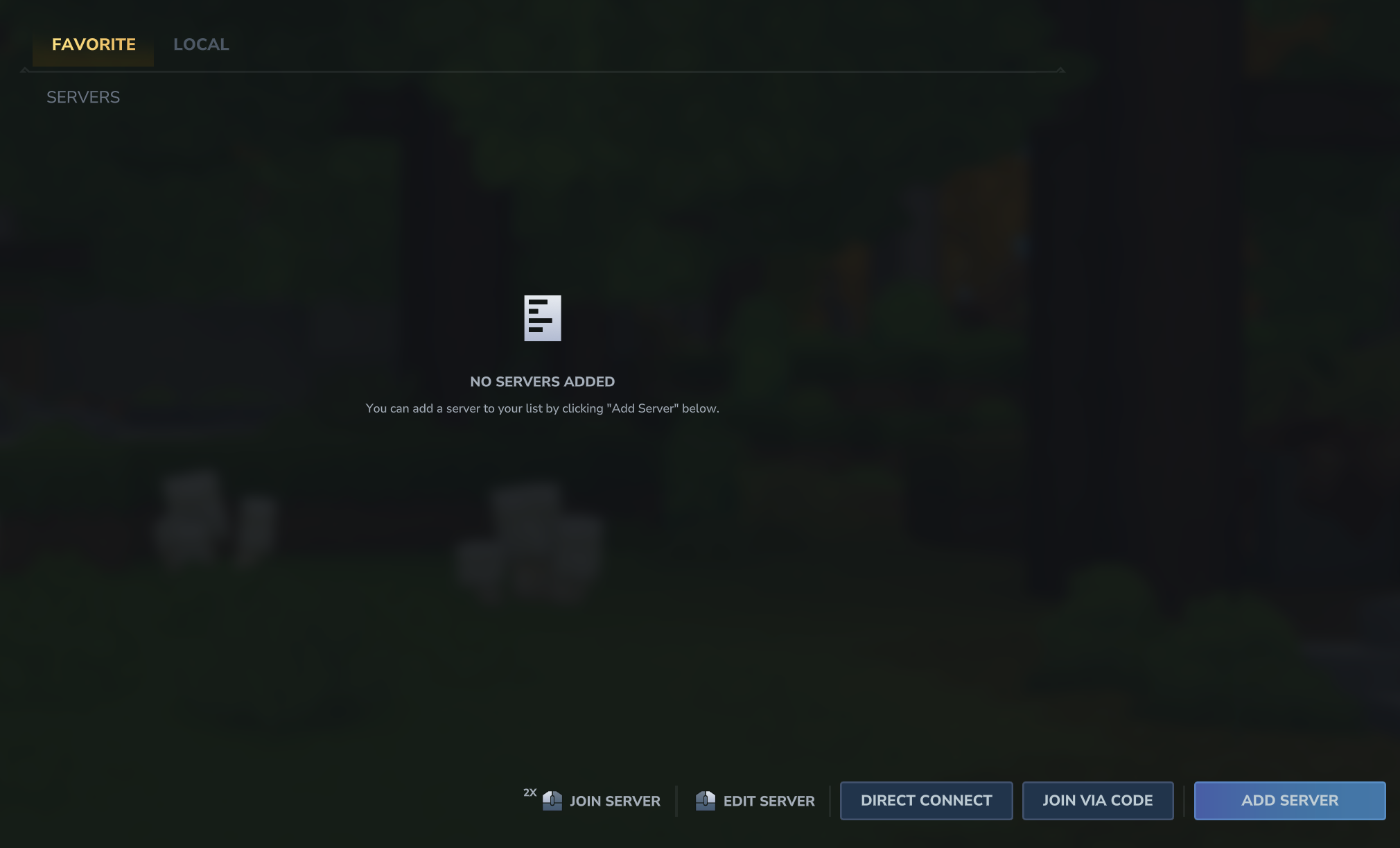
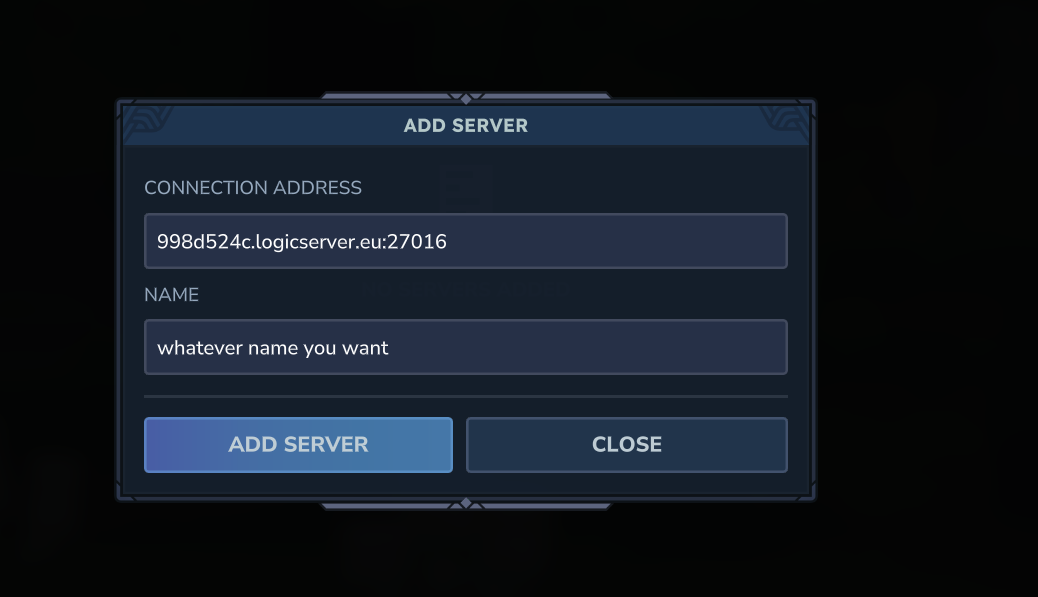
Now you'll see a window has popped up, enter the IP you copied from your control panel in to the connection address box.
In the name box, you can enter anything you want that helps you identify this server. Then once finished, click Add Server.
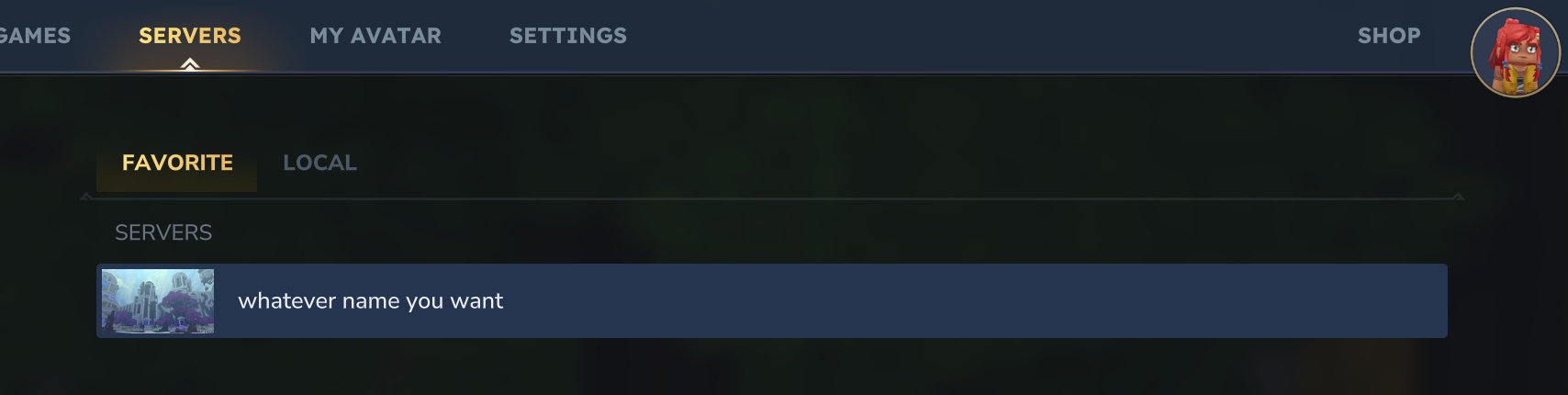
That's all there is to adding your Hytale Server to your Hytale Game Client! Now to join you simply double click and it'll show a loading screen before dropping you straight into the game.
Enjoy your Hytale Server Hosting, for more guides be sure to checkout the LogicServers Knowledgebase.