Palworld is a survival, crafting, exploration, and creature-collecting game where your first few hours matter. This beginner guide covers the early steps that help you gather resources, build a base, capture Pals, survive the first nights, and understand the systems you will use most often on a multiplayer server.
Before joining a server, make sure your PC meets the game's requirements and that Palworld is fully updated. If the game crashes on launch, check for local software conflicts, outdated graphics drivers, or security software interfering with the game client.
| MINIMUM | RECOMMENDED | |
|---|---|---|
| Processor | i5-3570K 3.4 GHz 4 Core | i9-9900K 3.6 GHz 8 Core |
| Memory | 16 GB RAM | 32 GB RAM |
| Graphics | GeForce GTX 1050 (2GB) | GeForce RTX 2070 |
| DirectX | Version 11 | Version 11 |
| Network | Broadband Internet connection | Broadband Internet connection |
| Storage | 40 GB available space (SSD required) | 40 GB available space (SSD required) |
| Additional Notes | Internet connection required for multiplayer | Internet connection required for multiplayer |
First Steps in Palworld
Gathering Resources
Your first priority is basic resource gathering. Collect wood and stone from the ground, then start harvesting trees and rocks once you have the right tools. These materials are used for early crafting, base structures, workbenches, and survival items.
Crafting Your First Tools
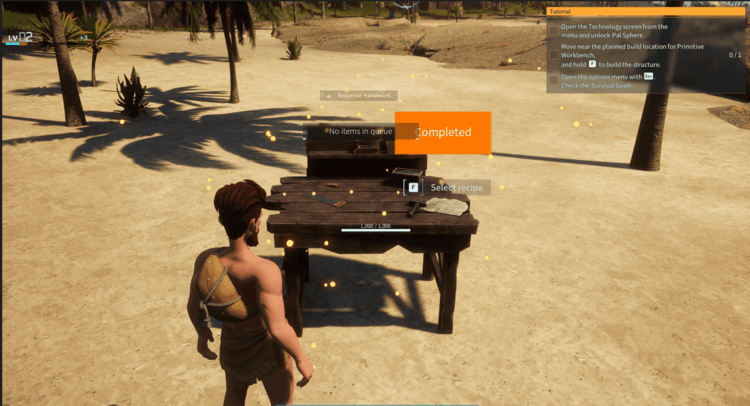
Build a workbench as soon as you have enough materials. The workbench unlocks early tools such as axes and pickaxes, which make gathering much faster and help you prepare for base building, combat, and exploration.
Setting Up Your Base
Choose a base location with enough flat space, nearby resources, and room to expand. Build a Palbox to establish your base. The Palbox acts as the centre of your base, unlocks Pal management, provides a fast travel point, and lets assigned Pals help with work around the base.
Surviving and Thriving
Managing Hunger
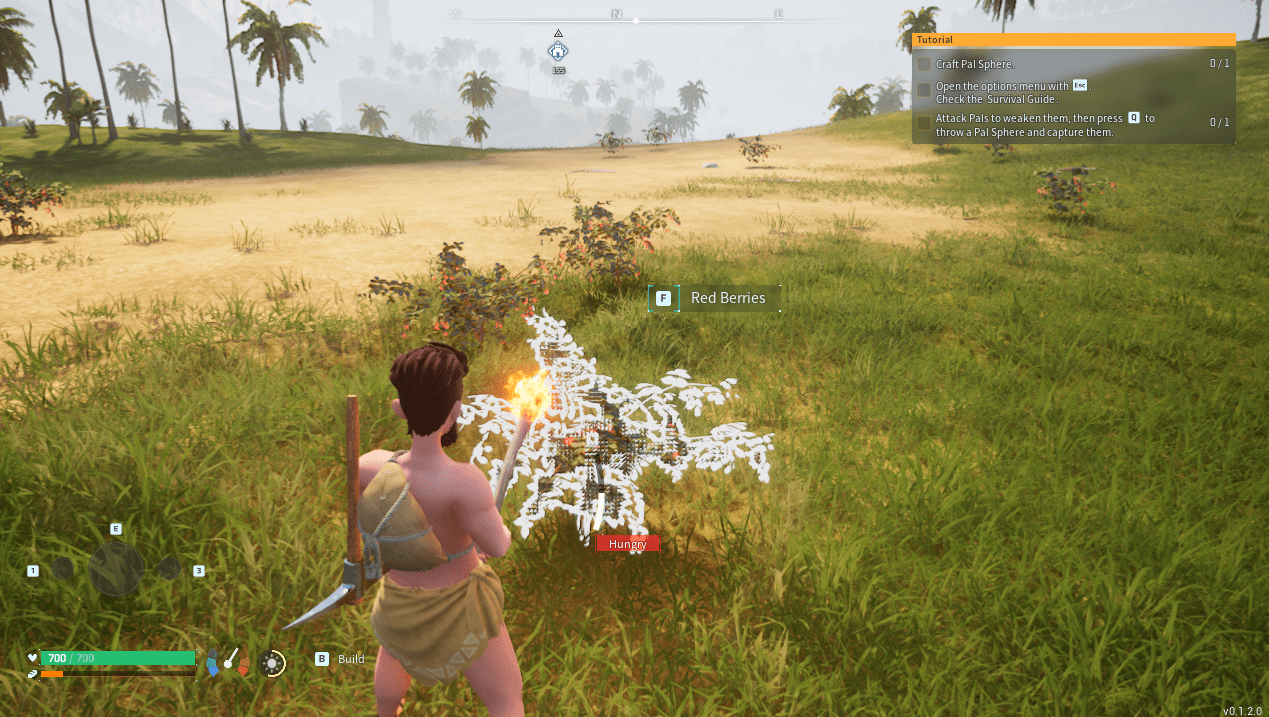
Keep food available while exploring. Early food sources include berries found in the world and meat gathered from defeated Pals. You can eat from your inventory by right-clicking food on keyboard and mouse, or by using the relevant controller button.
Dealing with Night Conditions
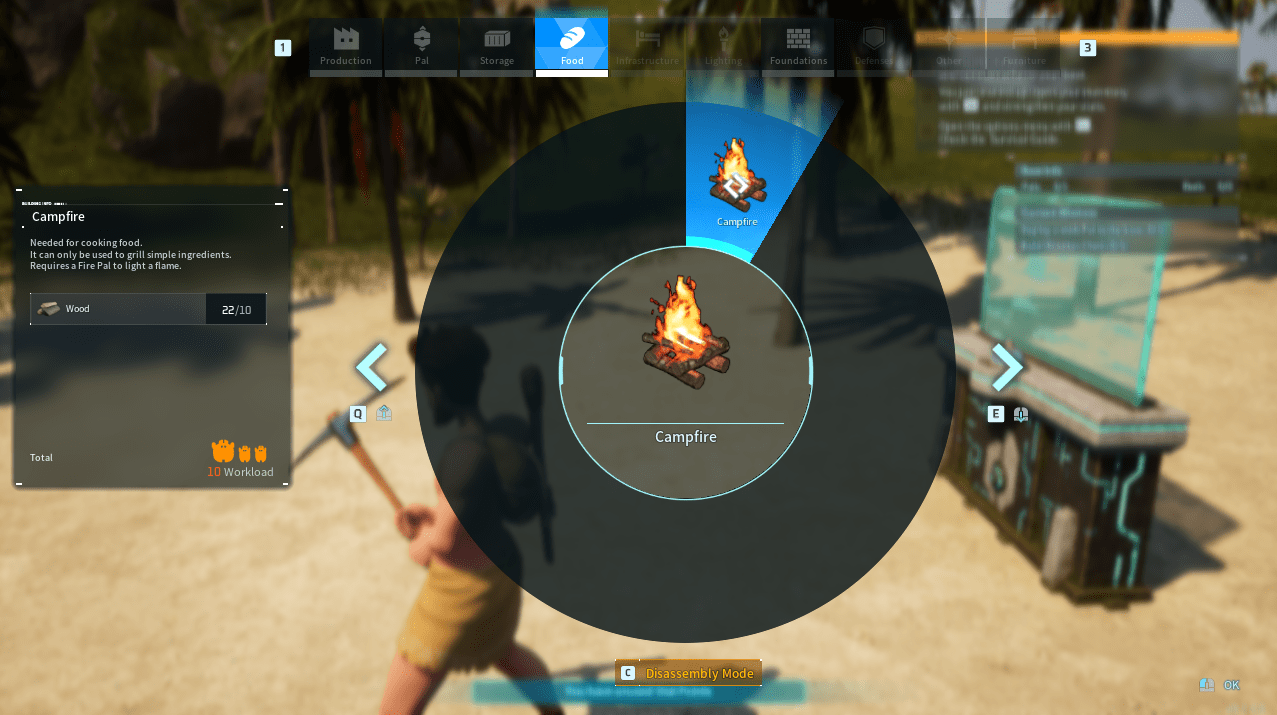
Night can bring cold, darkness, and poor visibility. Use a campfire, torch, suitable clothing, or a bed to stay safe. Sleeping through the night is often the easiest option early on if your server settings allow it.
Capturing and Using Pals
Capturing Pals
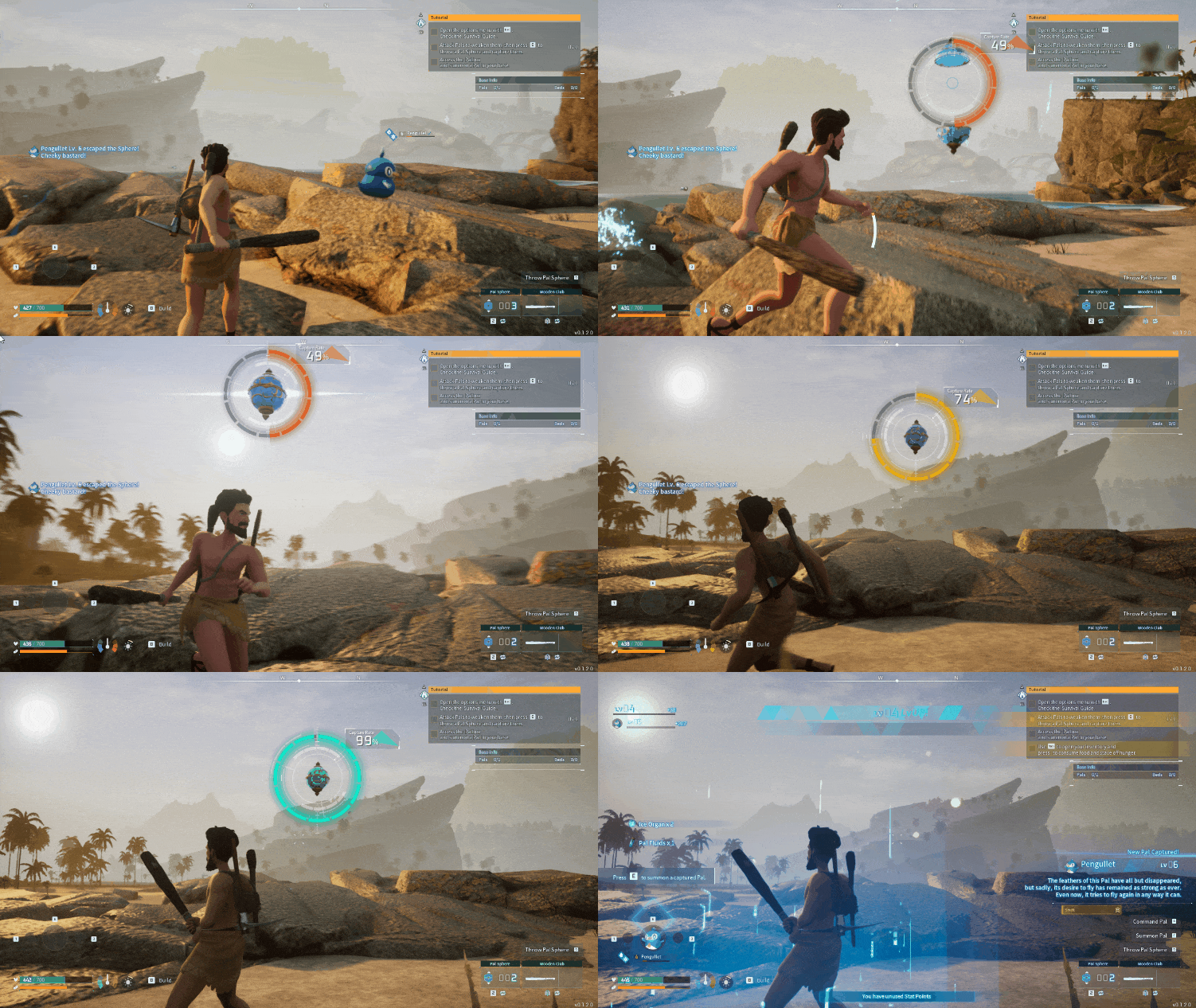
To capture a Pal, craft Pal Spheres and throw them at wild Pals. Lowering a Pal's health first improves your chance of success, and stronger Pal Spheres become important as you progress. Some status effects and traps can also make captures easier.
Captures are not guaranteed, so expect some Pals to break out of the sphere. Carry multiple Pal Spheres before heading out to explore.
Utilizing Pals
Pals are not just companions. They can fight with you, work at your base, help craft items, gather resources, farm, transport items, or act as mounts depending on their abilities. Check each Pal's work suitability and skills so you assign them to jobs they are good at.
As your base grows, matching the right Pals to the right tasks becomes one of the main ways to improve production and reduce manual work.
Crafting and Building
Mastering the Craft List
Technology unlocks give you access to new recipes, structures, tools, and base items. Spend technology points carefully at the start, focusing on tools, storage, survival items, workstations, and base upgrades you will use immediately.
Upgrading Your Base
Interact with the Palbox to review base missions and upgrade requirements. Completing these tasks increases what your base can support and helps you expand into more advanced crafting, automation, farming, and Pal management.
Combat and Exploration
Engaging in Combat
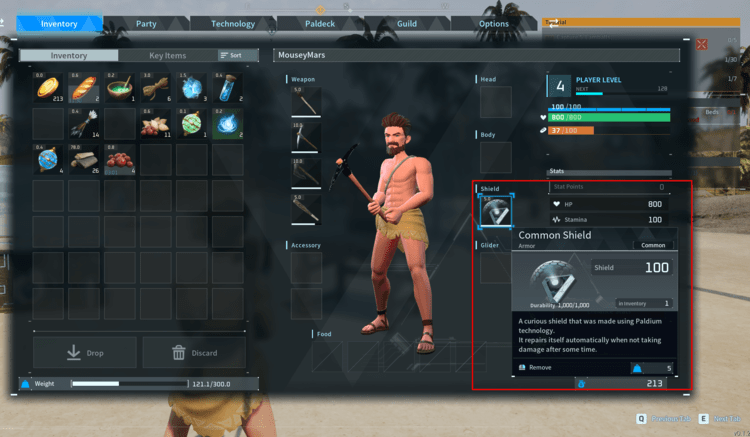
Combat becomes more dangerous as you move away from the starting areas. Craft weapons, armour, and shields as soon as they become available, and keep repairs in mind so your equipment does not break when you need it most. Dodging attacks and using your Pals effectively can make difficult fights much easier.
Exploring the World
Exploration is a major part of Palworld. Travel with supplies, Pal Spheres, food, and repaired equipment. Pals can help you move faster, fight stronger enemies, reach new locations, and gather rare resources. Dungeons and higher-level areas can be rewarding, but they are easier to handle once your gear and Pals are ready.
Advanced Gameplay
Breeding and Genetics
Later in the game, breeding lets you combine traits and work toward stronger or more specialised Pals. This becomes useful when you want better combat partners, stronger workers, or Pals with specific passive skills.
Automation and Farming
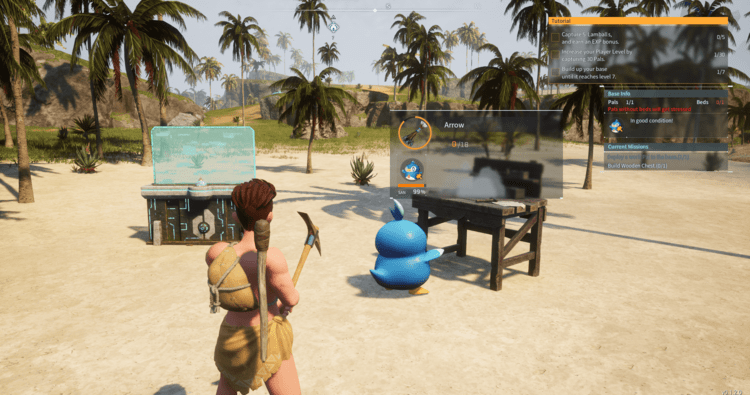
Base automation becomes more important as your server progresses. Assign Pals to crafting, farming, transporting, gathering, and production tasks so the base keeps working while you explore or handle other jobs. Good storage placement and suitable Pals make automation much smoother.
Troubleshooting and Tips
Stuck in Terrain
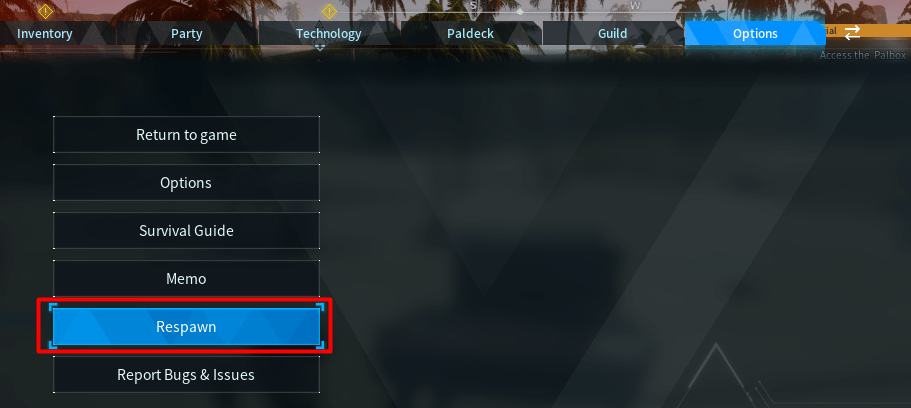
If your character becomes stuck in the terrain, use the respawn option from the menu to get free. This usually counts as a death, so you may need to return to the location to recover dropped items depending on the server's death penalty settings.
Repairing Equipment
Use a Repair Bench to fix damaged weapons, armour, and tools. Repairing equipment is cheaper and safer than waiting for it to break during combat or exploration.
Once you understand the basics, the main loop is simple: gather resources, improve your base, capture better Pals, unlock new technology, and explore further from spawn. Keep backups before major server changes, update the server when the game client updates, and adjust server settings if you want a faster, easier, harder, or more private multiplayer experience.
Need a server for multiplayer? View Palworld server hosting.
