You can join a Space Engineers server by using the connection address from your control panel. The quickest method is Direct Connect in the in-game multiplayer browser, and you can also save the server to favourites so it is easier to join again later.
Find Your Server Address
- Open your Space Engineers server in the control panel.
- Find Connection Info. This shows the IP address and game port for your server.
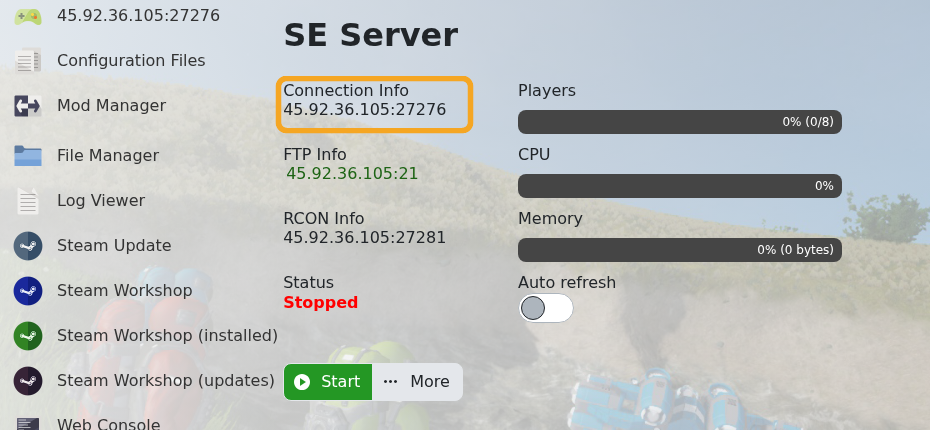
- Copy the address in the format
IP:PORT.
Add the Server Through Steam Favourites
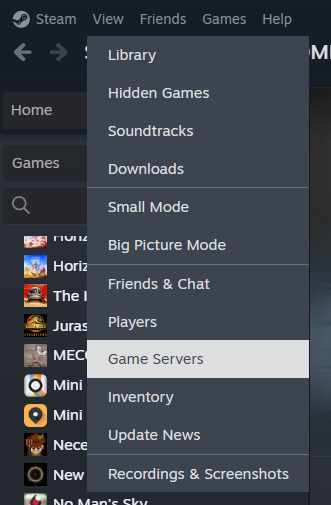
- Open Steam.
- Click View, then click Game Servers.
- Open the Favorites tab.
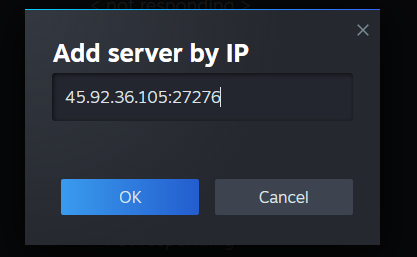
- Click the + button, paste the server address from your control panel, then click OK.
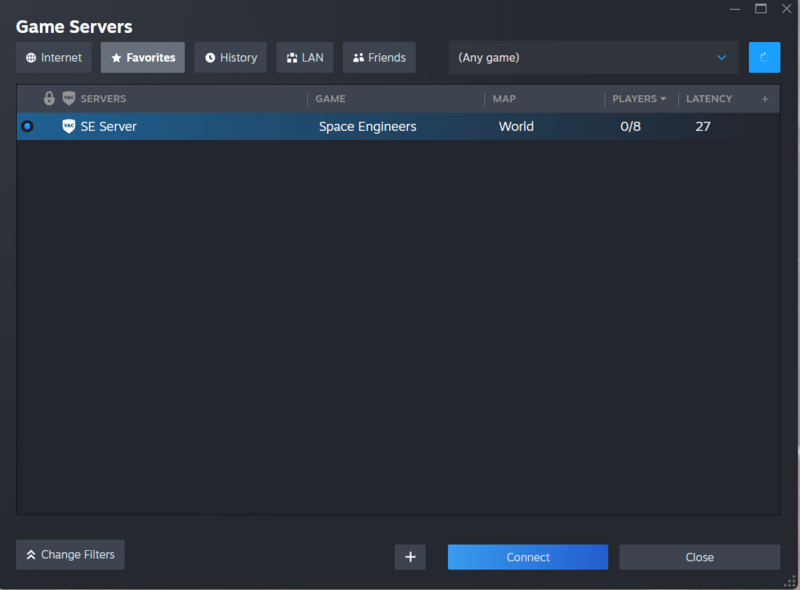
- After Steam finds the server, it should appear in the Favorites list with the Space Engineers game name, world name, player count, and latency.
Join with Direct Connect
- Open Space Engineers.
- Open the multiplayer server browser.
- Click Direct Connect.
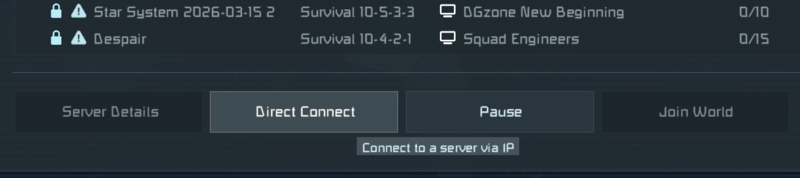
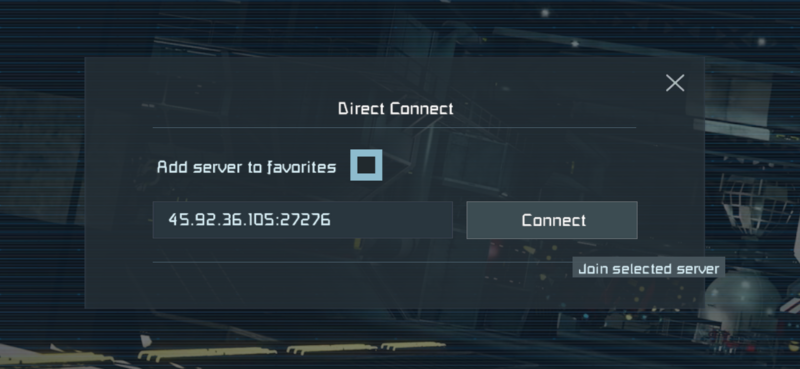
- Paste the connection address from your control panel, then click Connect. Tick Add server to favorites if you want the server saved for later.
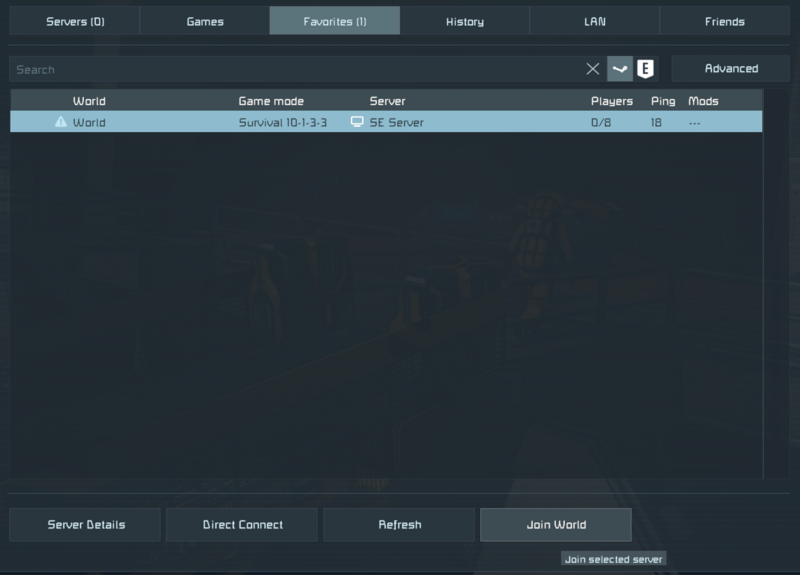
- If the server appears in Favorites, select it and click Join World.
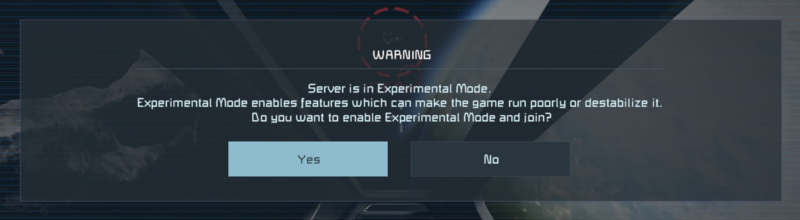
- If Space Engineers warns that the server is using Experimental Mode, click Yes if you trust the server and want to continue.
- Select an available spawn point, then click Respawn.
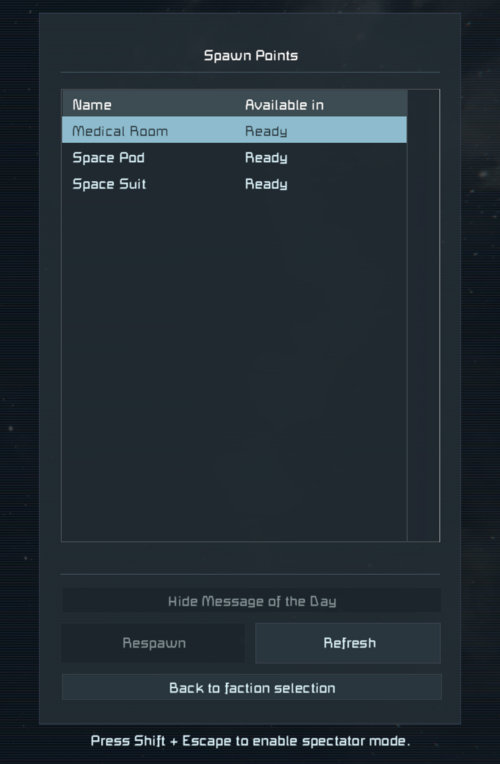
- After loading in, check that you can move around in the world.

If the server uses a password or Steam group whitelist, make sure you have access before joining. If the server still does not appear after a restart, submit a support ticket with the connection address you are trying to use.
