
Most ARK server settings live in GameUserSettings.ini, Game.ini, or the command line. Use Config Editor when a field is available, and Text Editor when you need a setting that is not exposed as a form field.
- Open your ARK server in the control panel.
- Click Configuration Files.
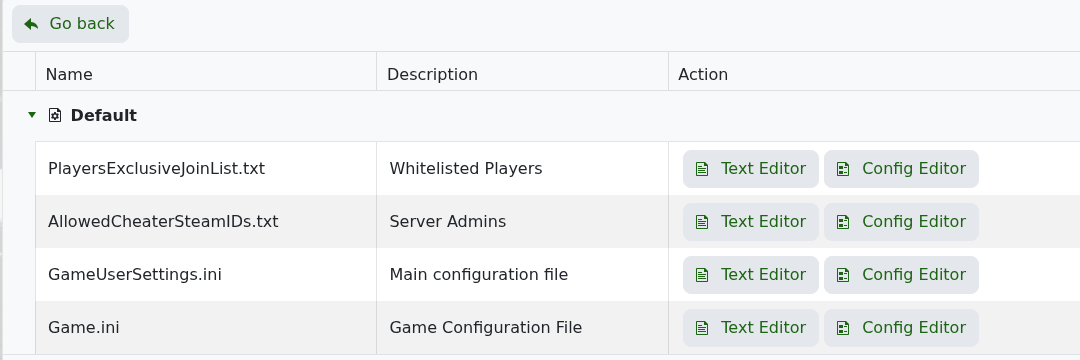
- Open
GameUserSettings.inifor server browser, password, difficulty, rates, and general server settings.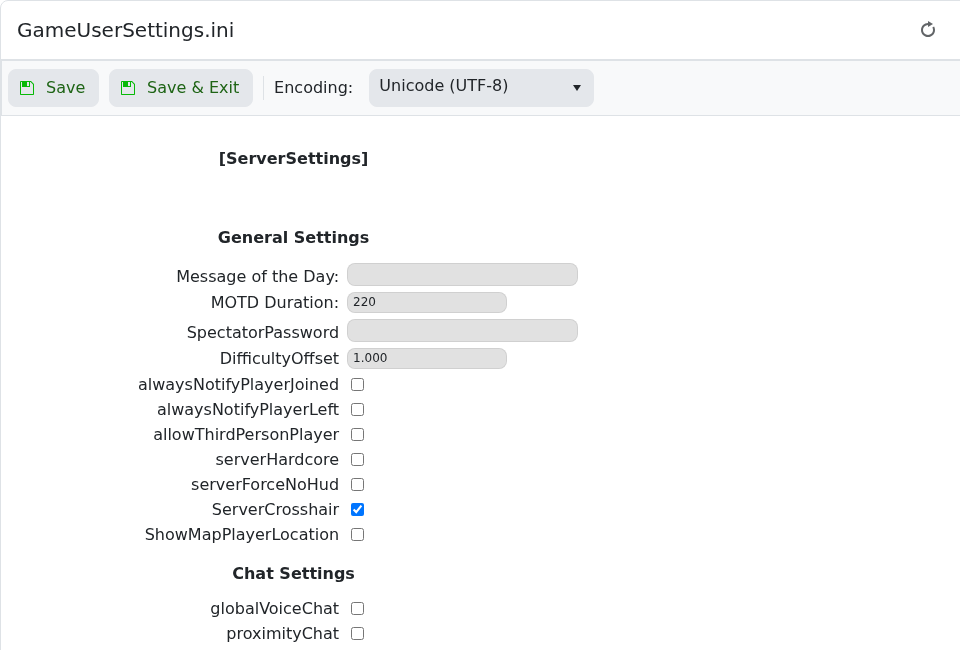
- Open
Game.inifor game-mode rules such as breeding, engram, per-level, and player/dino stat settings.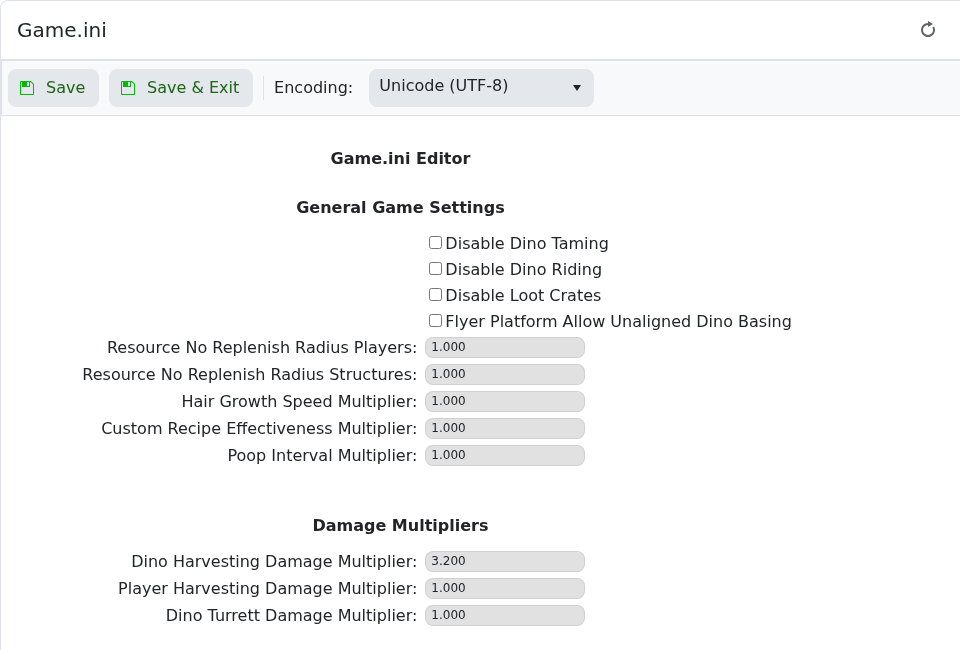
- Click Save & Exit after editing.
- Restart the server so ARK reloads the changed settings.
| Setting | What it does |
|---|---|
GameUserSettings.ini | General server settings, passwords, MOTD, difficulty offset, XP/gather/taming multipliers, PvE/PvP rules, and many server browser values. |
Game.ini | Game-mode rules such as breeding, hatching, maturation, engrams, level progression, and stat scaling. |
Commandline Manager | Startup options such as map, session name, some passwords, ports, events, cluster/save options, and selected launch parameters. |


