
Backups give you a restore point before updates, wipes, mod changes, map changes, or large config edits. Restoring a backup replaces the current server files with the selected backup.
- Open your ARK server in the control panel.
- To create a backup, click Backup Server and confirm the script.
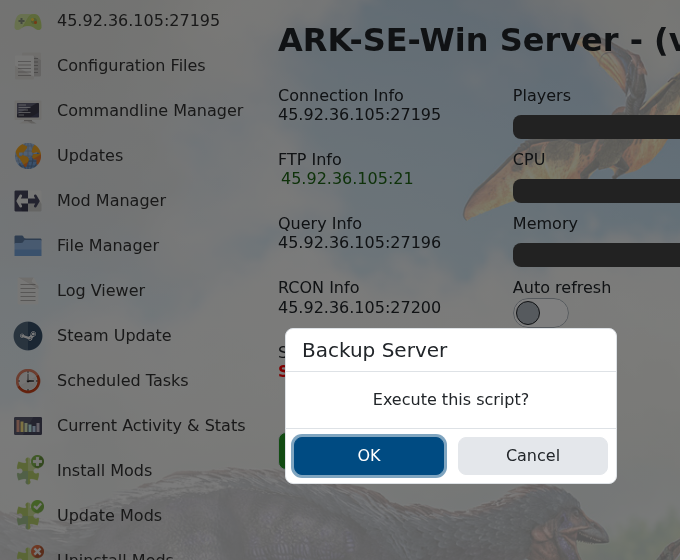
- Wait for the backup task to finish before making changes.
- To restore a backup, stop the server first.
- Click Restore Backup.
- Select the backup you want to restore, confirm the restore, then wait for it to finish.
- Start the server and check that the expected world/player data has restored.
Keep backups before destructive work. If you are unsure which backup to restore, submit a support ticket before overwriting the current files.


