Unturned cheats must be enabled before admins can use cheat commands. Only trusted admins should have access to these commands.
Enable cheats
- Log in to the game control panel and open your Unturned server.
- Stop the server.
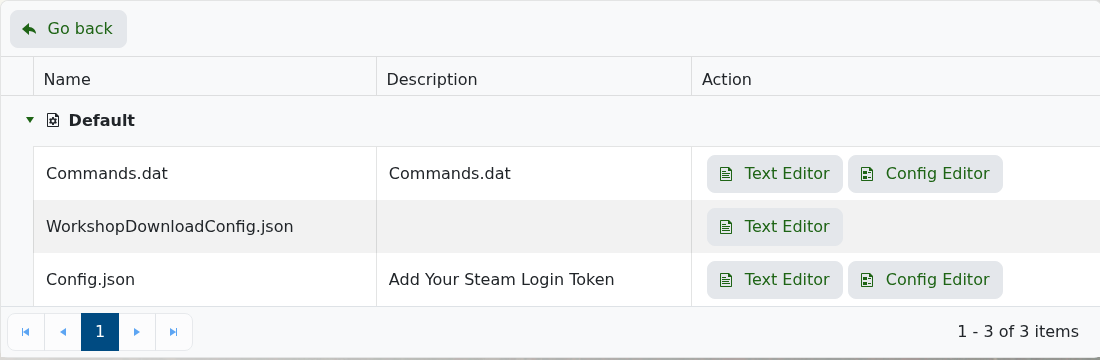
- Open Configuration Files.
- Open
Commands.datwith Config Editor or Text Editor. - Add
Cheatson its own line. - Save the file.
- Start the server.
Example Commands.dat entries
Owner 7656119XXXXXXXXXX
Cheats
Replace the example Steam64 ID with your own. The owner/admin line and Cheats line should be saved before you restart the server.
Important notes
- Make yourself admin before testing cheat commands.
- Keep cheat access limited to trusted admins.
- Test with a harmless command before using anything destructive.
Troubleshooting
- If cheats do not work, confirm
Cheatsis saved inCommands.dat. - Restart the server after saving the file.
- Check that your Steam64 ID is listed as owner/admin.
- Open Web Console or Log Viewer if commands are rejected after restart.
