
DayZ server name, password, admin password, map, perspective options, time acceleration, and MOTD are managed in serverDZ.cfg. Use the Config Editor for normal changes, then restart the server.
- Open your DayZ server in the control panel.
- Click Configuration Files.
- Open
serverDZ.cfgwith Config Editor.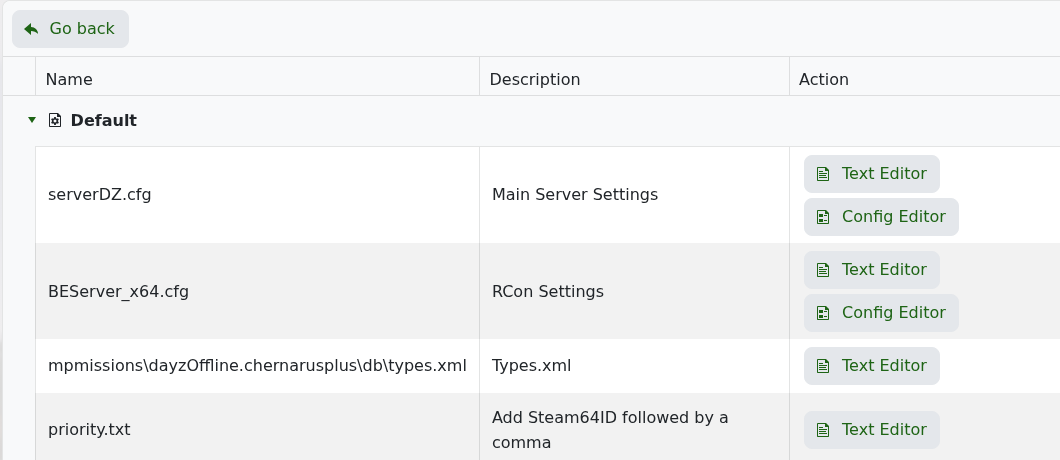
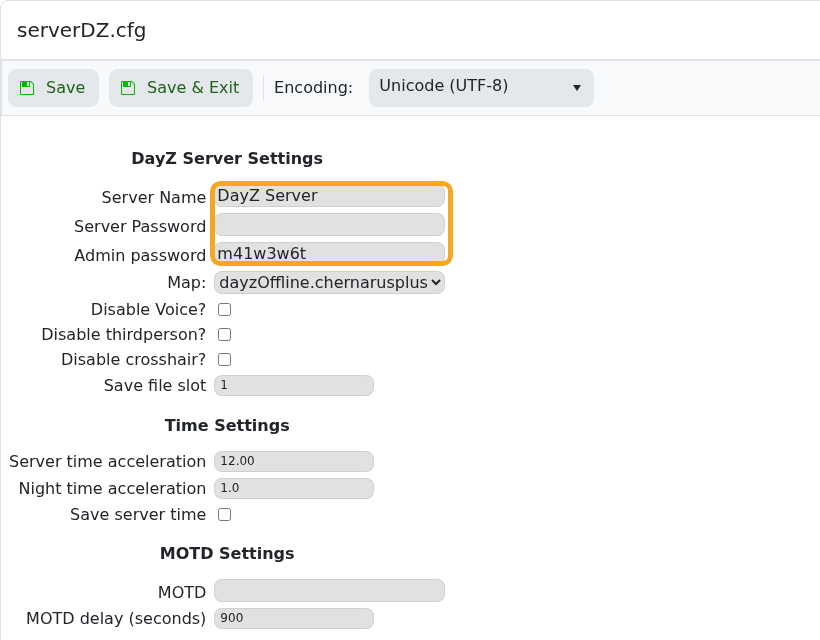
- Change Server Name, Server Password, or Admin password as needed.
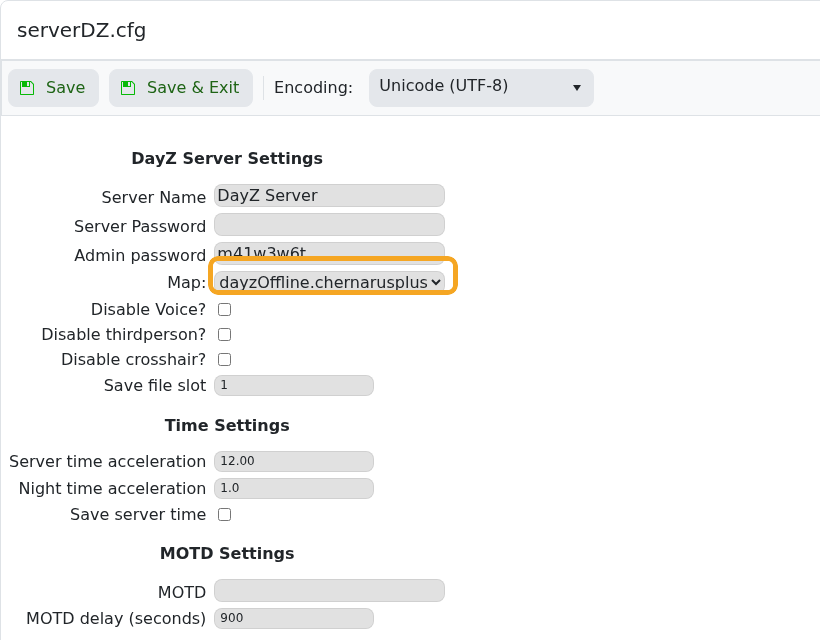
- Use the Map dropdown when changing between supported missions such as Chernarus, Livonia, or other installed maps.
- Set time, night acceleration, and MOTD values if needed.
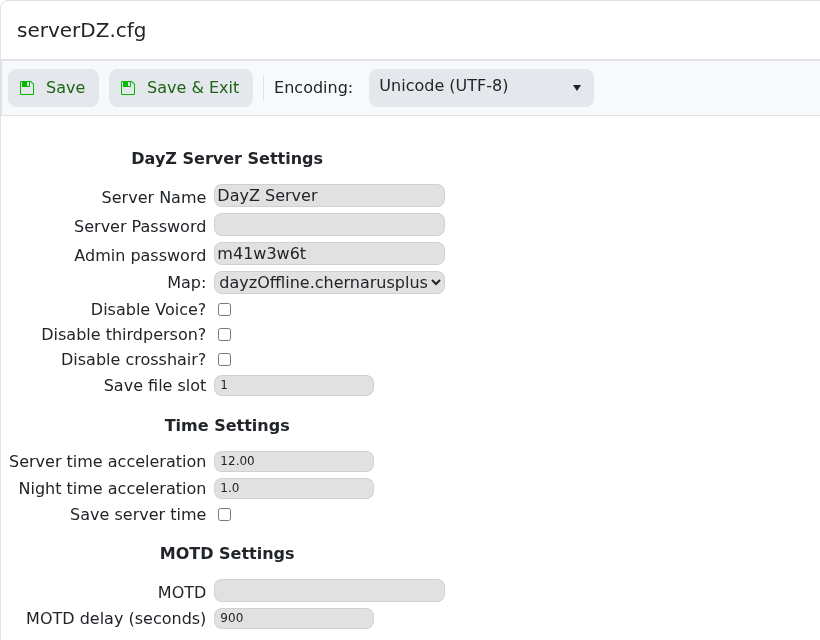
- Click Save & Exit, then restart the server.
| Setting | What it controls |
|---|---|
| Server Name | Name shown in the server browser. |
| Server Password | Password required for players to join. |
| Admin password | Password used for admin or RCON tools where supported. |
| Map | The mission folder loaded by the server. |
| Disable Voice? | Disables in-game voice chat when enabled. |
| Disable thirdperson? | Forces first-person play when enabled. |
| Server time acceleration | Controls how quickly in-game daytime passes. |
| Night time acceleration | Controls how quickly night passes. |
| MOTD | Message shown to players when they join. |


