
Use Steam Update when ARK releases a server update. Take a backup first if you are also changing mods, maps, or important configuration files.
- Open your ARK server in the control panel.
- Click Backup Server and confirm the backup if you want a restore point before updating.
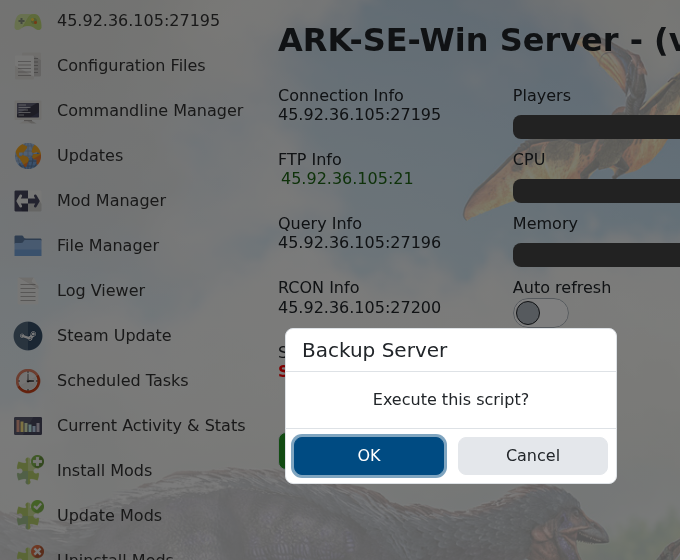
- Click Steam Update.
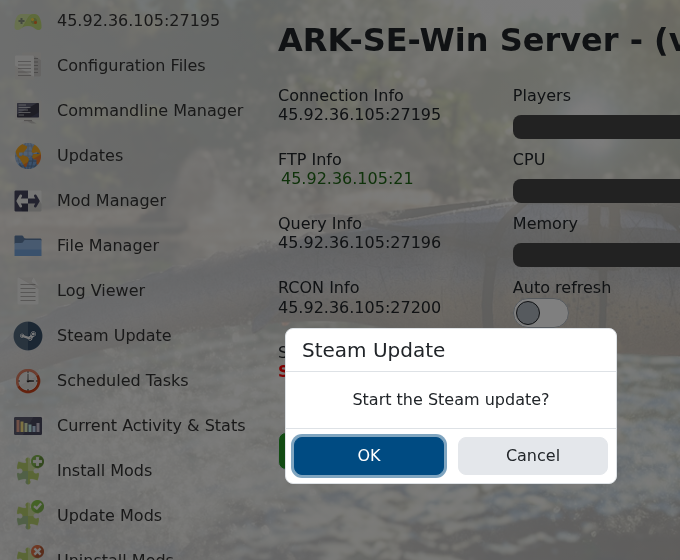
- Confirm the update and wait for the Steam update task to finish.
- Start the server if it is stopped, or restart it if it was running before the update.
- If you use ARK API or heavy Workshop mods, check that plugins/mods still load after the update.
If the server does not start after an update, check recent mods first, then restore your backup or submit a support ticket with the latest log output.


