
A private password requires players to enter a password before joining your ARK server. This is useful for friends-only, event, or staff testing servers.
- Open your ARK server in the control panel.
- Click Commandline Manager.
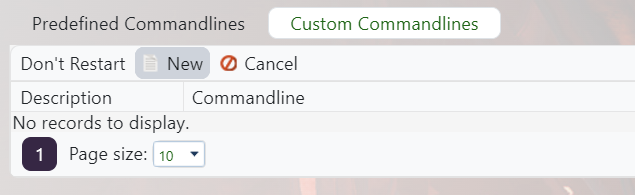
- Edit the selected command line, or create a custom command line if needed: Creating a custom command line on your ARK server.
- Tick the checkbox next to Private Password, then set the server password players should use.

- Save and select the command line, then restart the server.
- Give the password only to players who should be able to join.
Do not use the same value for the private password and admin password. The private password is for normal players joining the server; the admin password is only for trusted staff who should be able to run admin commands.


