ARK API plugins are added after ARK API is installed. Each plugin can have its own files, config, permissions, commands, and dependencies, so always read the plugin author's install notes.

  1. Install ARK API first: How to install ARK API on your ARK Server.
  2. Download the plugin from the plugin author or trusted source.
  3. Open your ARK server in the control panel and stop the server.
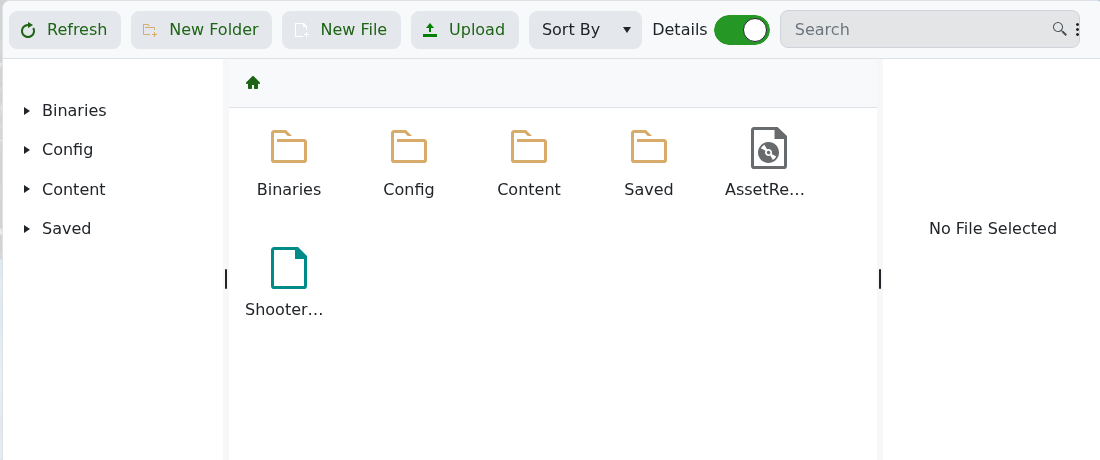
  4. Click File Manager.

    ARK File Manager root

  5. Upload the plugin files to the folder specified by the plugin author. Most ARK API plugins provide an exact folder structure to copy.
  6. Edit any plugin config files required by the author.
  7. Start the server and check the log for plugin load messages.

If the plugin does not load, check that ARK API is installed, the plugin is compatible with your ARK version, and all dependency files were uploaded.


  • 2 Utilizadores acharam útil
Esta resposta foi útil?

Artigos Relacionados

Updating to the latest ARK patch

Use Steam Update when ARK releases a server update. Take a backup first if you are also changing...

How to run ARK ScorchedEarth DLC on your server

Scorched Earth changes the server into ARK's desert-focused DLC map, with heat, storms,...

ARK cross-server gateway travel using multiple servers in a cluster

Note: for servers purchased before 16/09/2016 (16th September 2016) please send in a support...

How to disable Battleye on an ARK server

BattlEye can be disabled from the ARK server startup options when you need to troubleshoot...

How to upload a single player world onto your ARK server

You can upload an ARK single-player save by copying the local save files from your PC into the...