
Difficulty in current 7 Days to Die server configs is handled through the game's sandbox options. Those options are stored as a SandboxCode in serverconfig.xml, rather than as a simple difficulty line you can safely guess by hand.
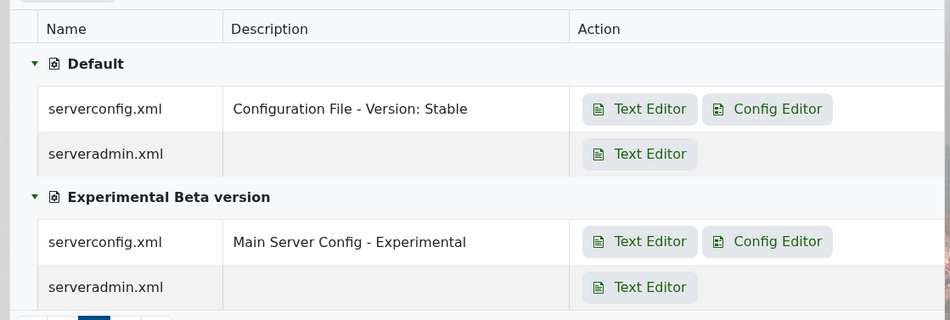
Open your server in the control panel, go to Configuration Files, then open serverconfig.xml in the Text Editor.
Scroll near the bottom of the file and find SandboxCode.
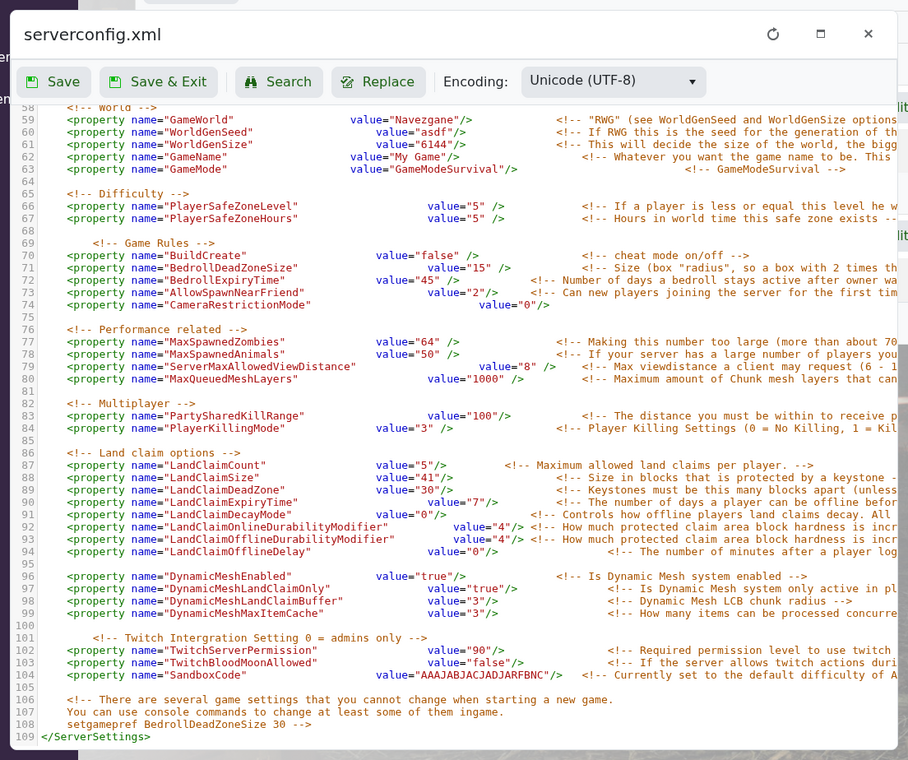
It will look similar to this:
<property name="SandboxCode" value="AAAJABJACJADJARFBNC"/>
To change difficulty, open 7 Days to Die, start creating a new game, set the difficulty and sandbox options you want, then use the in-game option to copy the sandbox code. Paste that copied code into the SandboxCode value on your server.
Save the file and restart the server. If the server fails to start after the change, restore the previous SandboxCode or contact support.


