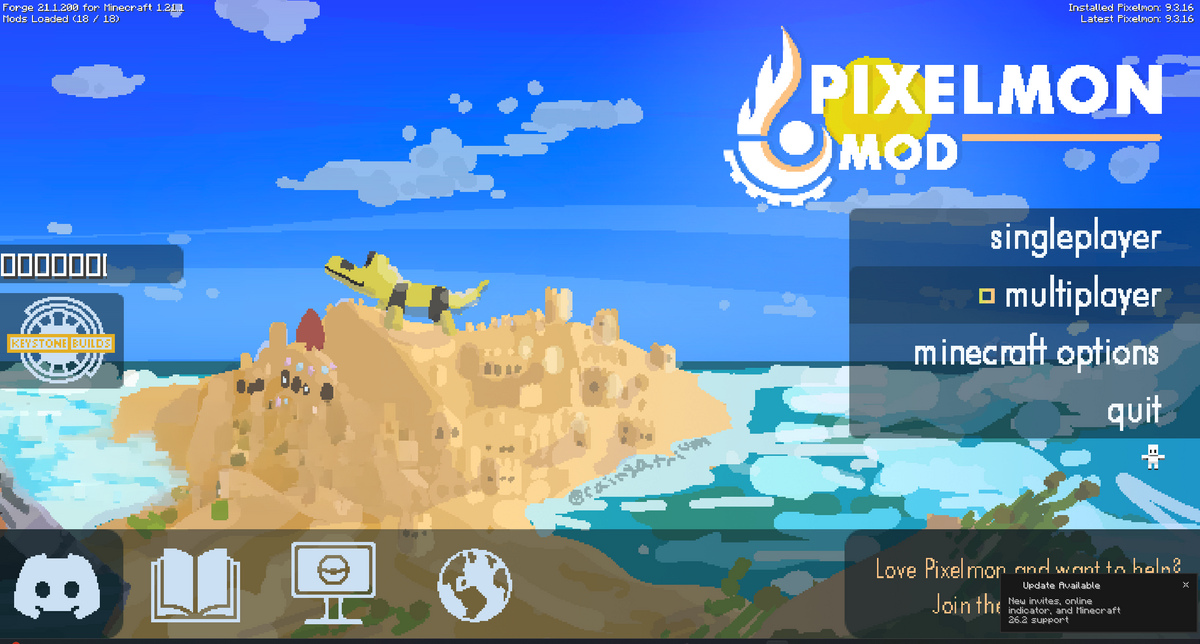
To join a Pixelmon server, your Minecraft client needs to have Pixelmon installed and it needs to match the server version. If the server was installed using the Pixelmon Mod pack in the control panel, use the same Pixelmon pack on your own launcher.

Joining the server

  1. Install the Pixelmon pack on your Minecraft launcher, then start Minecraft using the Pixelmon profile.
  2. Open your server in the control panel and copy the server address from the Console page. You can click the address box to copy it.

    Minecraft server address shown on the control panel console page while the server is online

  3. In Minecraft, click Multiplayer.

    Pixelmon Minecraft main menu

  4. Click Add Server.

    Pixelmon Minecraft Add Server button

  5. Enter a server name, paste your server address into the Server Address box, then click Done.
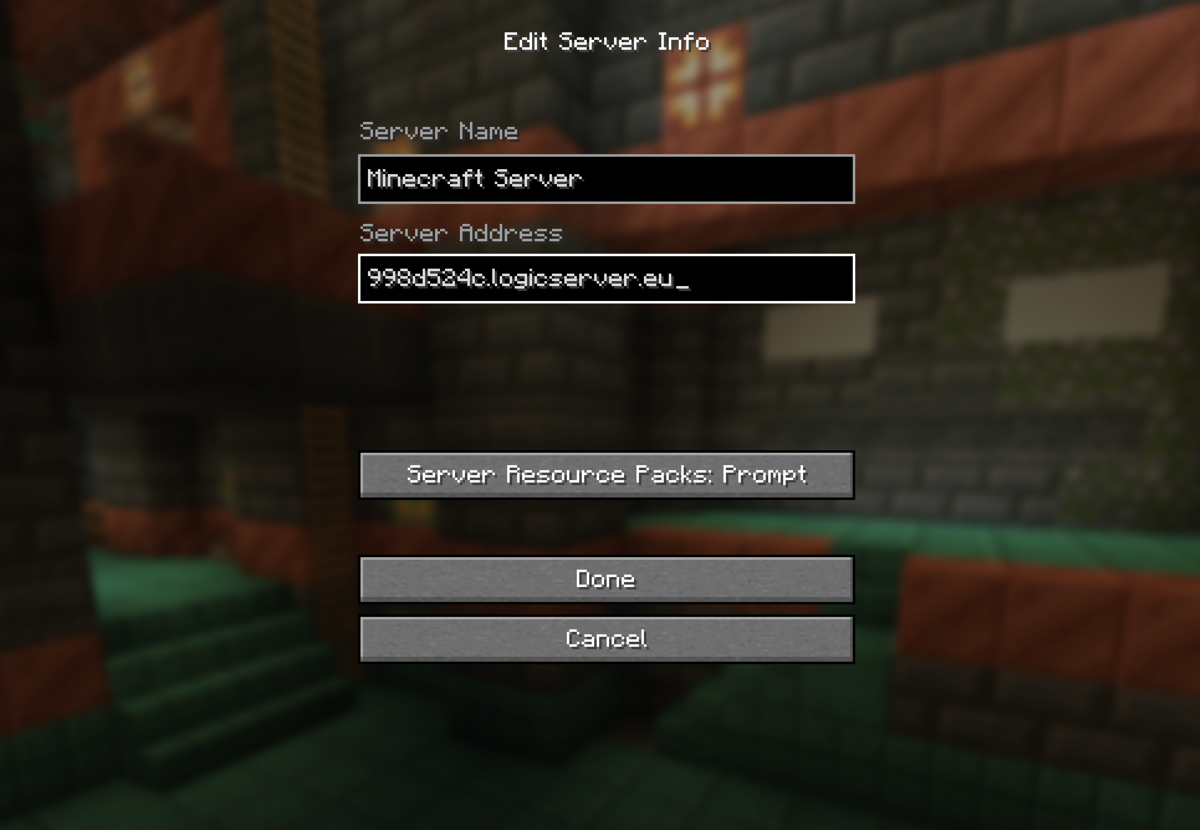
    Pixelmon Minecraft server address box

  6. Select the server from your multiplayer list, then click Join Server.
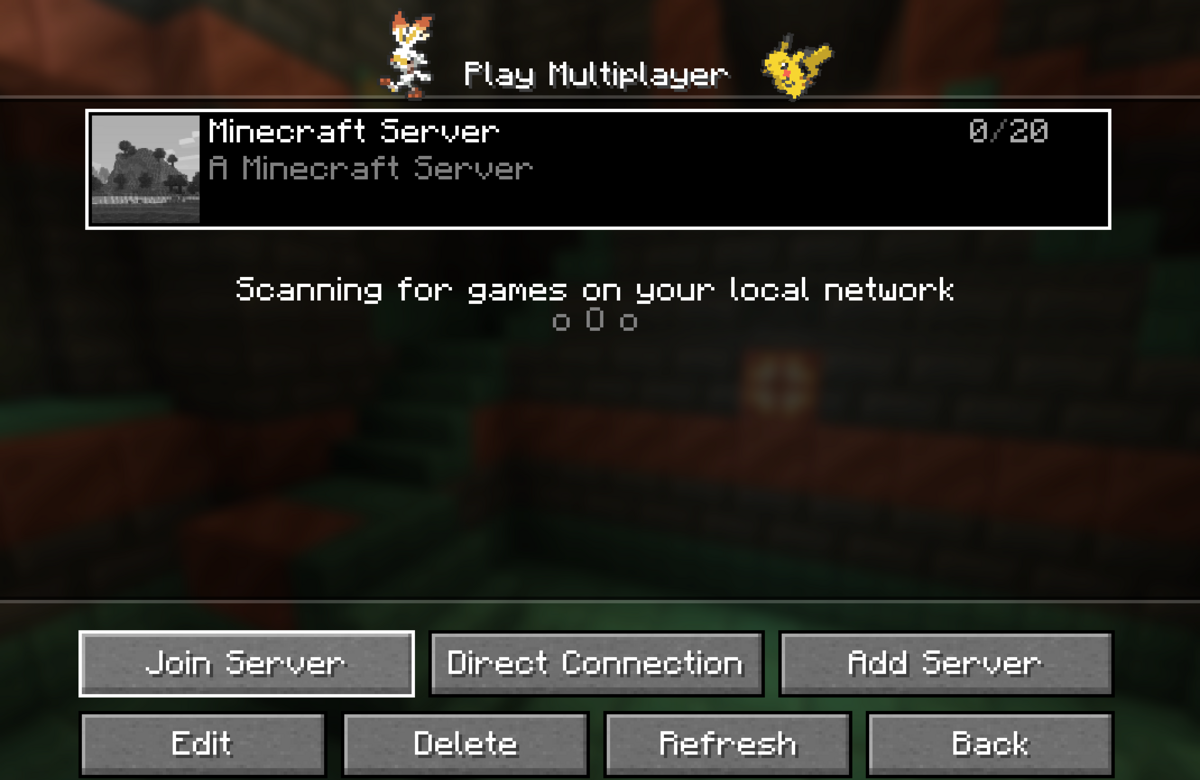
    Pixelmon Minecraft multiplayer server list with server selected

If Minecraft says the server is incompatible, check that you launched the Pixelmon profile and that your Pixelmon version matches the server. If the server has a whitelist enabled, your Minecraft username must be added before you can join.


  • 0 Los usuarios encontraron esto útil
¿Le ha resultado útil esta respuesta?

Artículos relacionados

Colour Codes for Minecraft Multiplayer and Vanilla

This article lists all of the codes you can use with many plugins in Minecraft using Spigot or...

What is the difference between Fabric, Quilt and Forge in Minecraft Modding

Exploring the Distinctions Between Fabric and Forge When diving into the exciting world of...

What is a Grindstone and how is it used?

In this guide, we will teach you what the Grindstone in Minecraft does, and how to use it...

How to Convert Java and Bedrock Edition Worlds

In this guide, we’ll be teaching you how to convert your world from a Java Edition world to a...

Minecraft's New Version Numbers

Minecraft has changed how its version numbers work from 2026 onwards. Instead of carrying on with...