
Use the Versions page when you want to change what Minecraft Java server software your server is running. This is where you install Vanilla, Paper, Fabric, Forge, NeoForge, proxy software, and other supported Java server jars from the panel.
If you are trying to change a Bedrock server instead, use this guide: How to install or update Bedrock on your Minecraft server.
Available Java installers
The Java Edition installer currently includes Vanilla, Vanilla Snapshot, Paper, Folia, Purpur, Velocity, Waterfall, Travertine, Spigot, CraftBukkit, Fabric, Fabric Snapshot, Quilt, Forge, NeoForge, and BungeeCord.
If the server software or version you need is not listed, submit a support ticket and we can check whether it can be added or installed another way.
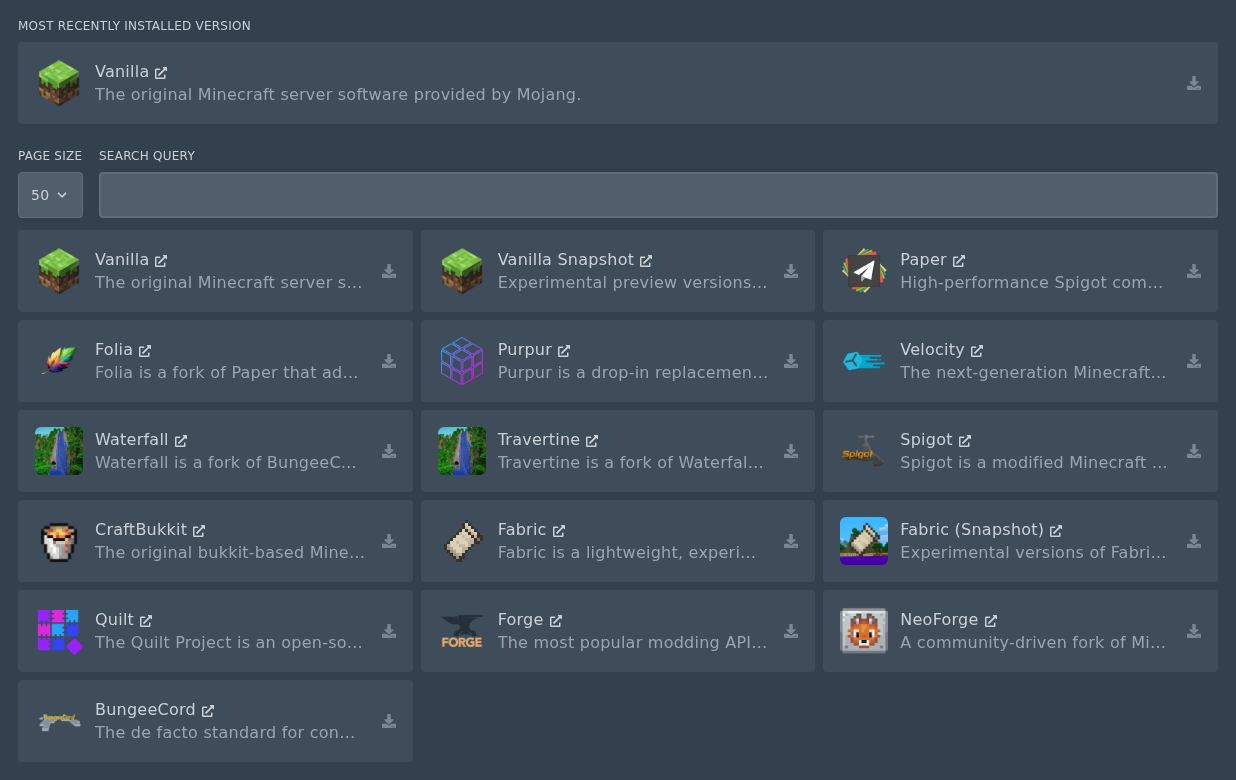
Example: install Vanilla Minecraft
- Open your Minecraft server in the control panel and stop the server.
- Take a backup first if the server already has a world, plugins, mods, or config files you want to keep.
- Open Versions from the left menu.
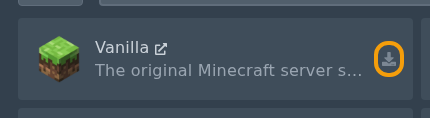
- Find Vanilla. The install button is the small icon on the right of the row.
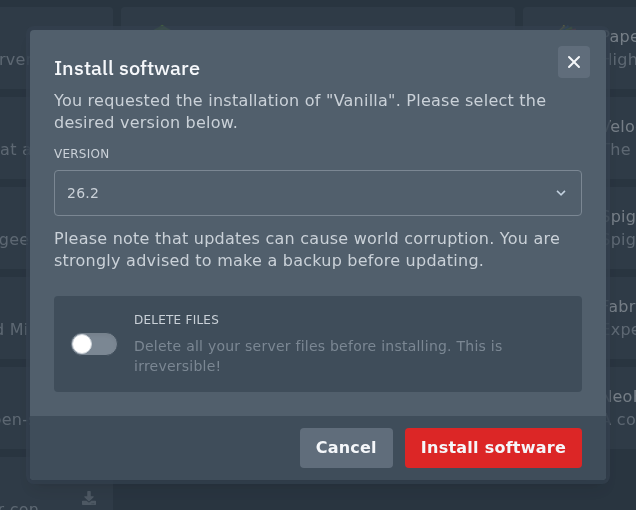
- Select the version you want to install from the Version dropdown.
- Do not check the Delete files box unless you want to wipe your server. This can remove your world, plugins, mods, configs, and other server files.
- Click Install software and wait for the installer to finish.
Once the install has finished, start the server from Console and check that it comes online normally. If the server fails to start after changing jar type, check Console for the first error shown. Old worlds, old config files, and incompatible plugins or mods can stop a new jar type from loading.


