
Create a new Minecraft world by moving the current world folder out of the way, or deleting it if you are sure you no longer need it. Take a backup first if you may want to restore the current world later.
Create a new world
- Stop the server.
- Open Files in the control panel.
- Find the current world folder. On most Java servers this is called
world. If your server uses a custom world name, checklevel-nameinserver.propertiesfirst.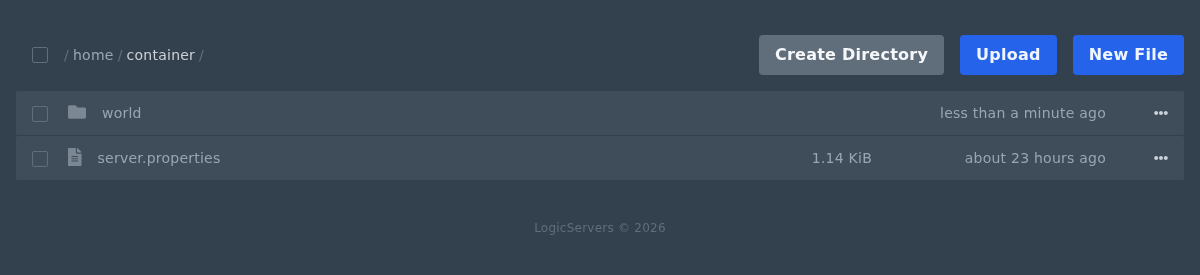
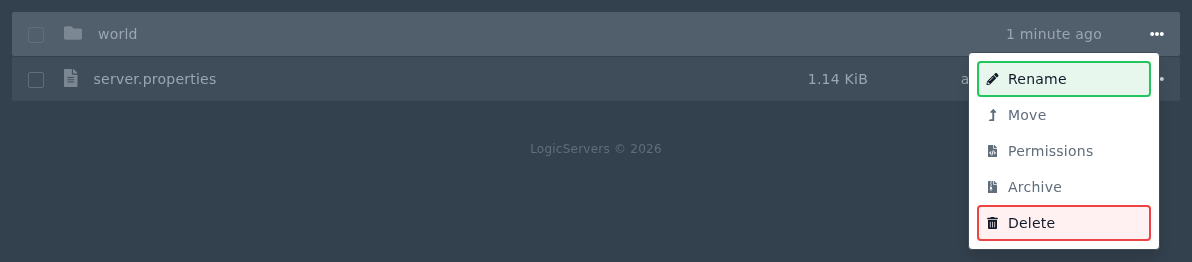
- Open the menu for the world folder. Rename the folder if you want to keep the old world, or use Delete if you are sure it is no longer needed.
- Start the server again from Console. Minecraft will create a new world folder using the current server settings.
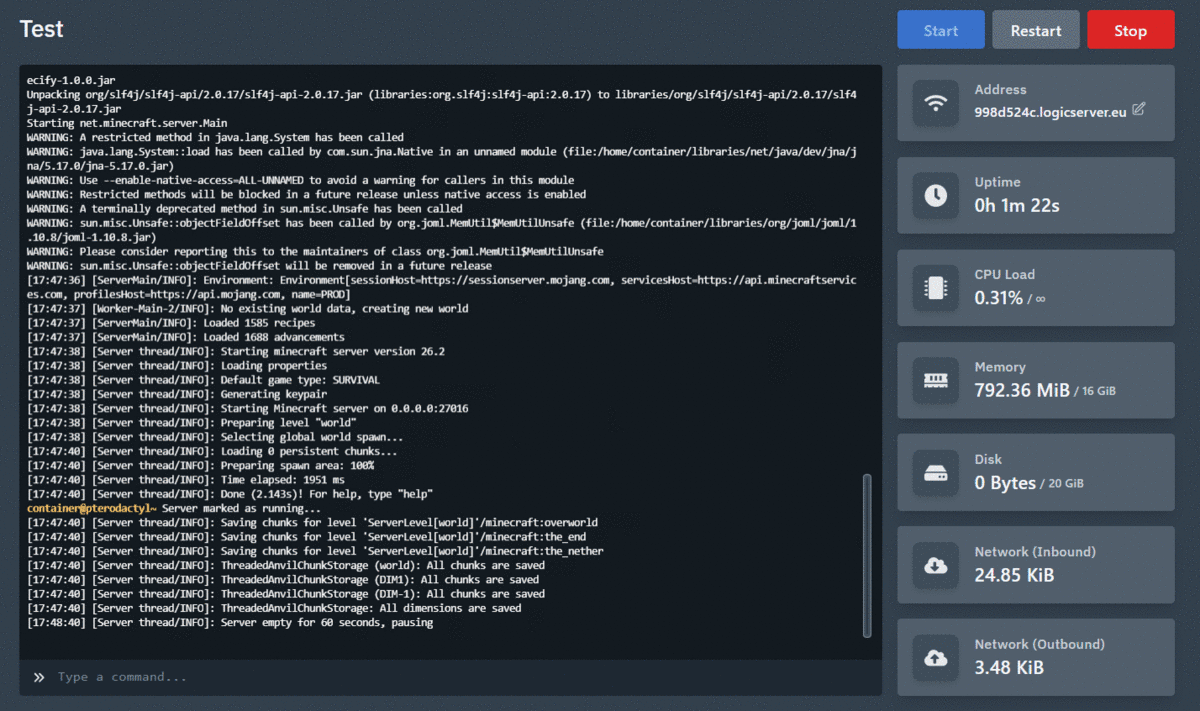
If the server starts but loads the old world, check the world folder name in server.properties. Modpacks can also use different world names or extra world folders, so check the modpack notes if the folder layout does not match a normal Java server.


