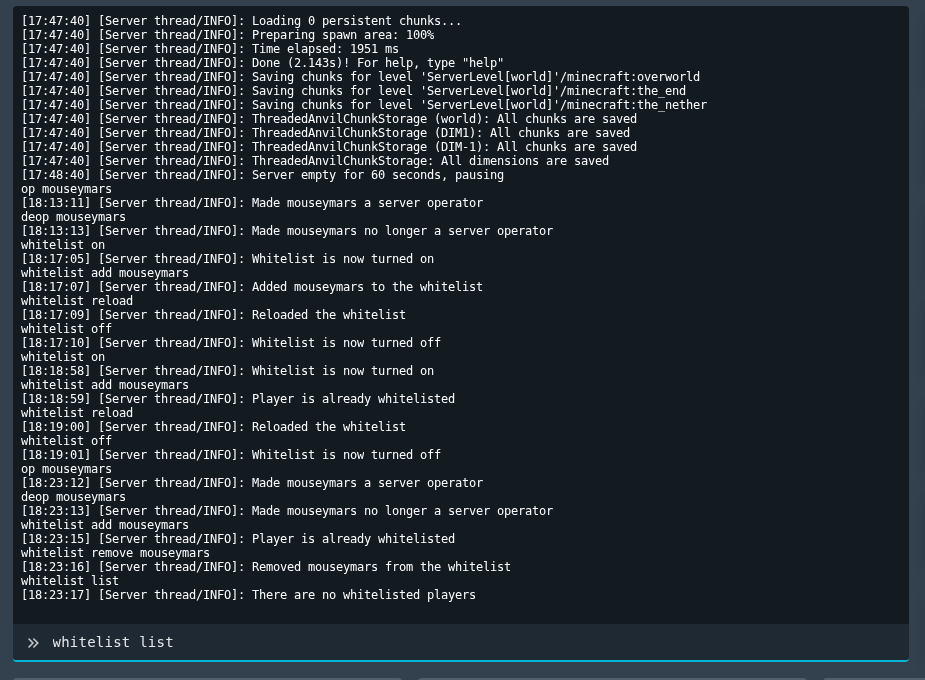
Once whitelist is enabled, you can add and remove players from Console. Use the exact Minecraft username for each player you want to manage.
Manage Whitelist Players
- Open your Minecraft server in the control panel, then open Console.
- Add a player with:
whitelist add PlayerName
- Remove a player with:
whitelist remove PlayerName
- View the current whitelist with:
whitelist list
If a player changed their Minecraft username, remove the old entry and add their current name.