A Minecraft server icon appears next to your server in the multiplayer server list.
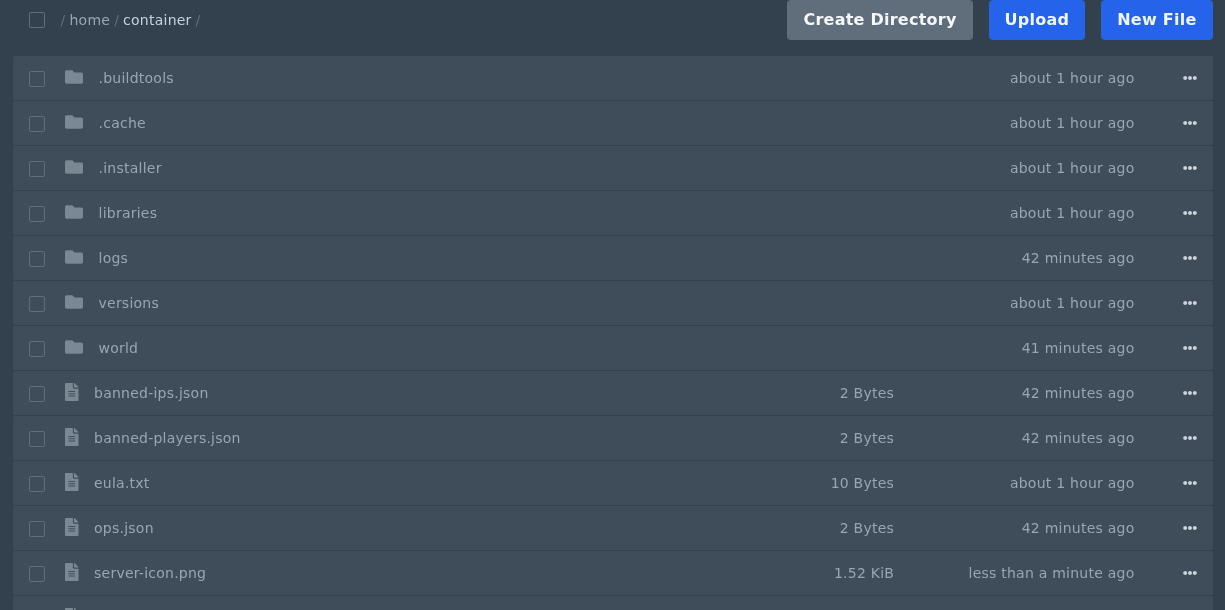
Upload server-icon.png
- Create a PNG image that is exactly
64x64pixels. - Name the file
server-icon.png. The filename must be exact, including the hyphen and lowercase letters. - Open Files in the control panel and upload
server-icon.pngto the main server directory. This is the same folder that containsserver.properties. - Restart the server.
The file must be PNG format and exactly 64x64 pixels. If the icon does not show in the server list, check the filename, file type, and image size, then refresh the server list in Minecraft.