
The Minecraft modpack installer is the easiest way to install supported modpacks from the panel. Use it when the pack is available in the installer instead of uploading every file manually.
Install a modpack
- Open your Minecraft server and stop it from Console.
- Take a backup first if the server already has a world or files you care about.
- Open Modpacks from the left menu.
- Search for the modpack you want to install.
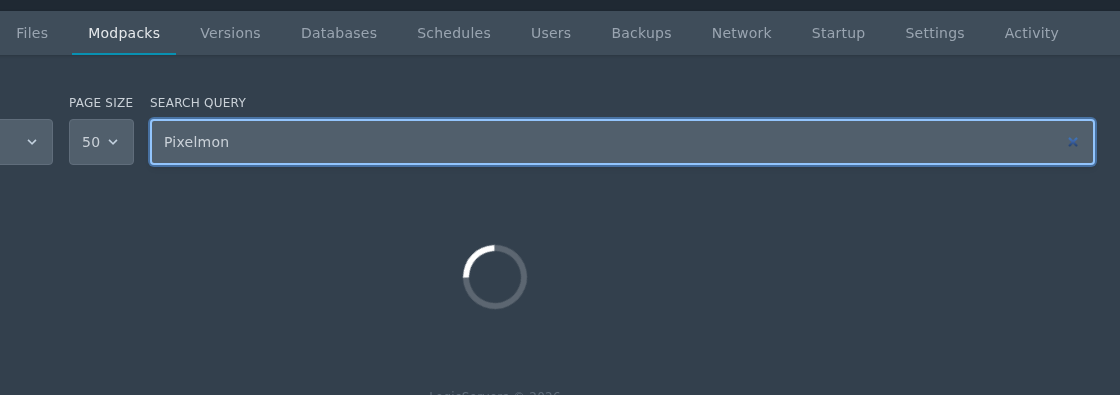
- Click the install icon on the right of the modpack, select the version you want, then click Install modpack.
- Do not check the Delete files box unless you want to wipe your server. If you are replacing an old modpack with a completely fresh install, take a backup first.
- Start the server and watch Console for the first startup.
If the modpack is not shown in the installer, upload the server pack manually instead. Make sure you use a server pack, not a client-only download.


