
Some Minecraft plugins and proxy setups need an extra port. Voice chat plugins, web maps, and network tools may ask you to bind a feature to its own port.
Create an extra allocation
- Open your Minecraft server in the control panel.
- Open Network from the left menu.
- Click Create Allocation to add a new port to the server.
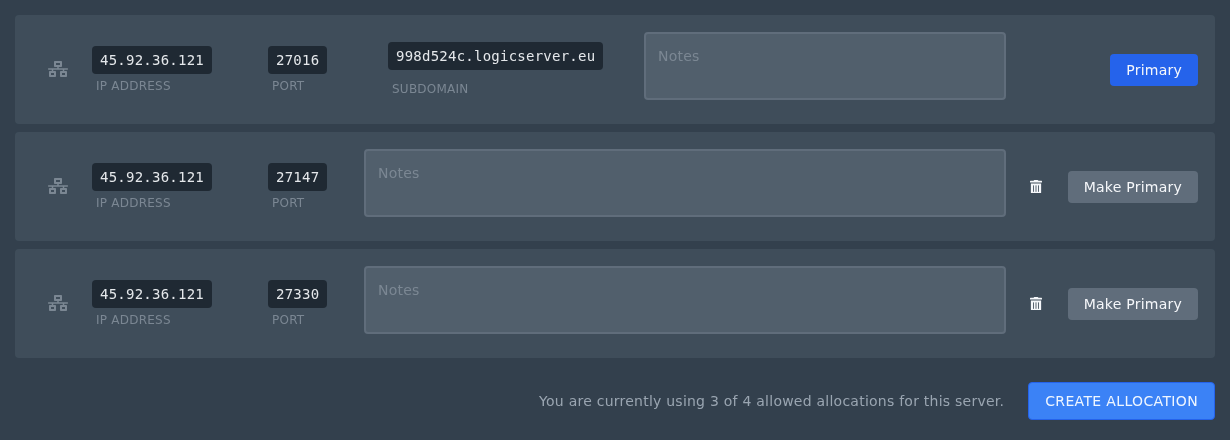
- Use the IP and port shown on that new allocation in your plugin or proxy config.
- Restart the server after changing plugin or server config files.
If you set an allocation as primary, your panel subdomain will point to that primary allocation after the server has restarted. For plugins that only need an extra port, leave your normal Minecraft port as the primary allocation.


