
Your ARK server name is shown in the Steam and in-game server browsers. On this panel, the server name is normally set from the command line or startup options rather than only inside the config file.
- Open your ARK server in the control panel.
- Click Commandline Manager.
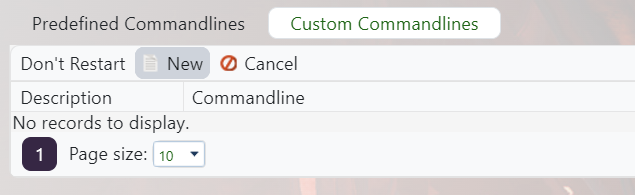
- Edit your selected command line, or create a custom command line if you need one: Creating a custom command line on your ARK server.
- Tick the checkbox next to Server Name, then set the name you want players to see.

- Save the command line, select it if needed, then restart the server.
If the old name still appears in Steam, refresh the server browser after a few minutes. Steam listings can cache the previous name briefly.


