
Genesis changes ARK into the mission-based Genesis map experience. Use this guide to switch the server command line to Genesis and start the server on that DLC map.
- Create a backup before enabling Genesis: Backing up and restoring world and player data on your ARK server.
- Open your ARK server panel.
- Go to Commandline Manager.
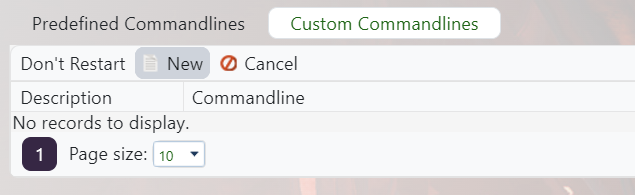
- Create or edit the startup profile you want to use for Genesis: Creating a custom command line on your ARK server.
- Enable the Map row and set it to
Genesis.
- Save the command line, select it, and restart the server to load Genesis.
Genesis changes the server to the Genesis map experience. If players cannot join, confirm their client has the required ARK content installed.


