
Back up your Enshrouded server before updates, save uploads, wipes, config changes, or any change that could affect your world. A backup stores the current server files so you have a restore point if something goes wrong.
Backups are useful before experimenting with game settings, replacing saves, testing a new world, or recovering from accidental file edits. Scheduled backups may already exist, but taking a manual backup before a risky change means you know exactly which restore point to use.
- Open your Enshrouded server in the control panel.
- Click Backup Server.
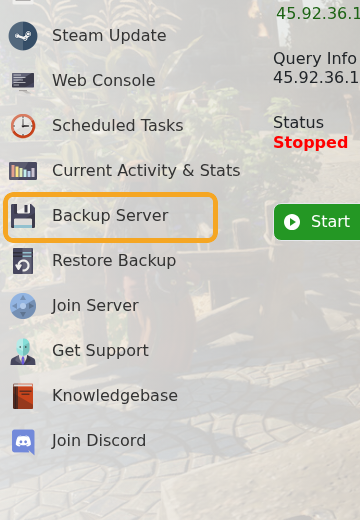
- Wait for the backup task to complete. The output shows the save files being compressed and uploaded.

You can often back up while the server is running, but stopping it first gives the cleanest file state before major changes such as world uploads, resets, or manual file edits. Do not start another large change until the backup task has finished. To roll back later, use How to restore a backup onto your Enshrouded Server.


